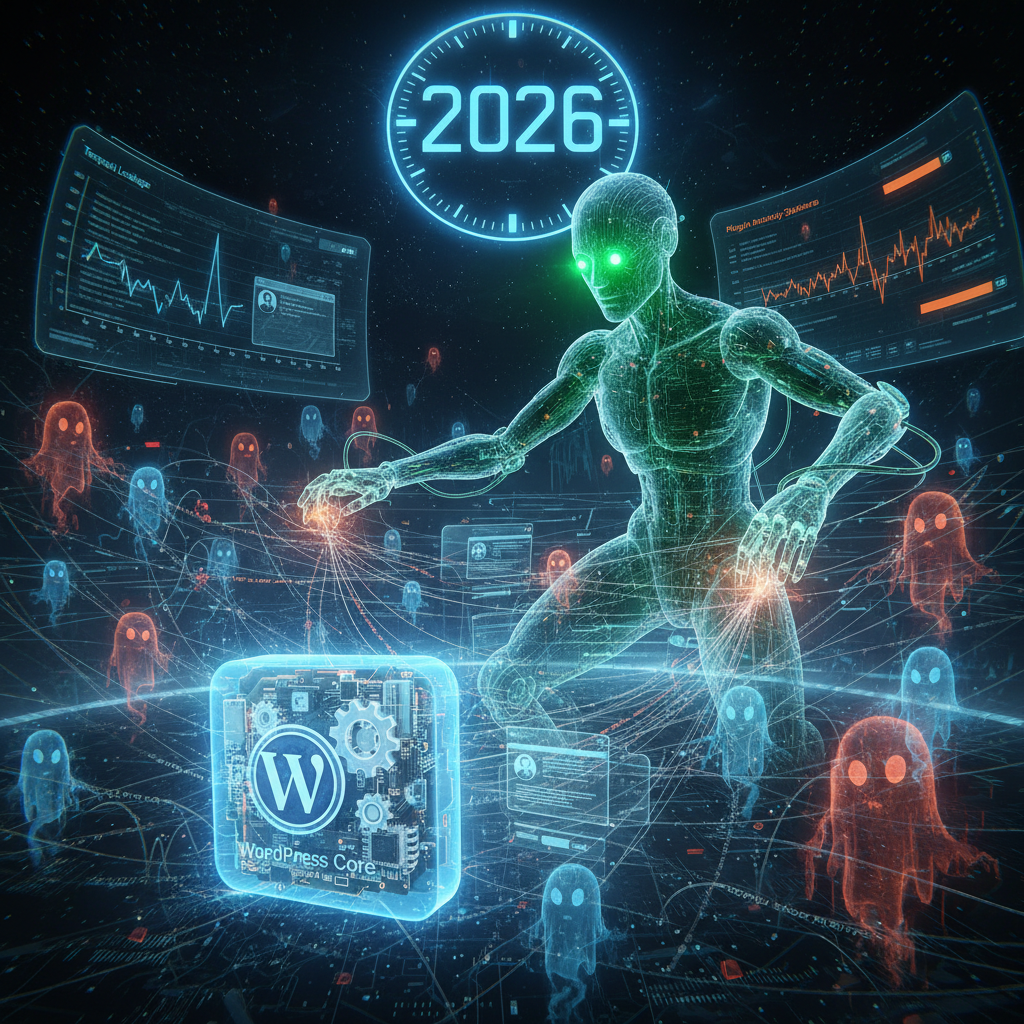
WordPress Plugin Trust: Unmasking Digital Fabricators of 'Truth' & Trust in 2026
In the expansive and ever-evolving digital landscape of 2026, the concept of WordPress plugin trust has never been more critical. WordPress, powering over 43% of all websites globally, relies heavily on its vast ecosystem of plugins to extend functionality and customize user experiences. However, these "silent weavers" of the digital fabric can also introduce significant risks, shaping user perception of truth and reliability. Understanding how to assess and maintain trust in these invaluable tools is paramount for any website owner or developer navigating the complexities of the modern web. Ensuring WordPress plugin trust is essential for a secure and reliable online presence.
For a deeper dive into how plugins exert influence, consider The Silent Weavers: How WordPress Plugins Redefine Your Site's Digital Fabric in 2026.
Establishing and Maintaining WordPress Plugin Trust in 2026
The foundation of any successful WordPress website hinges on the reliability of its components. Plugins are often the most dynamic and frequently updated elements, making their trustworthiness a constant concern. As we move further into 2026, the spotlight is firmly on securing your digital assets.
Building and maintaining WordPress plugin trust involves a multi-faceted approach, encompassing everything from initial selection to ongoing maintenance. Ignoring this aspect can lead to devastating consequences, including data breaches, performance degradation, and a complete loss of user confidence.
The Initial Vetting Process: Where Trust Begins
Before installing any plugin, a thorough vetting process is essential. This isn't just about functionality; it's about evaluating the integrity of the code and the reputation of the developer.
- Developer Reputation: Investigate the plugin developer. Do they have a transparent history? Are there other reputable plugins under their belt? Check their website, support forums, and social media presence for indications of professionalism and reliability.
- Active Installations and Reviews: A high number of active installations, coupled with positive and recent reviews, can be a strong indicator of a plugin's stability and community endorsement. Pay attention to negative reviews highlighting security or compatibility issues.
- Last Updated Date: An out-of-date plugin is a red flag. In 2026, a plugin that hasn't been updated in months (or even weeks, for critical functionalities) poses a significant security risk, as it likely lacks patches for recently discovered vulnerabilities.
- Compatibility: Ensure the plugin is compatible with the latest version of WordPress and your chosen theme. Compatibility issues can lead to broken layouts, functionality conflicts, and serious security gaps.
Security Vulnerabilities: The Silent Saboteurs of Trust
One of the most significant threats to WordPress plugin trust comes from security vulnerabilities. These weaknesses in a plugin's code can be exploited by malicious actors, leading to anything from defacement to complete website compromise.
In 2026, cyber threats are more sophisticated than ever. Plugin developers must adhere to the highest coding standards, and users must remain vigilant. For insights into emerging threats, read about The Silent Cartel: Unmasking Supply Chain Attacks & Software Bill of Materials (SBOM) in WordPress Plugins (2026).
- Insecure Configurations: Many vulnerabilities stem from default or easily exploitable configurations. Always review a plugin's settings and ensure they are hardened against common attacks.
- Excessive Permissions: Some plugins request broad permissions that extend beyond their stated functionality. Granting unnecessary access can create a backdoor for attackers. Always question why a plugin needs certain permissions.
- Third-Party Dependencies: Plugins often rely on external libraries or APIs. While efficient, this introduces a dependency on the security of those third-party components. Ensure the plugin developer actively monitors and updates these dependencies.
- SQL Injection and XSS: These classic attack vectors remain present. A trustworthy plugin will employ robust input validation and sanitization to prevent such exploits.
Performance Issues and Compatibility: Undermining WordPress Plugin Trust
Beyond security, performance bottlenecks and compatibility conflicts can severely erode user experience and, by extension, WordPress plugin trust. A slow or broken website is frustrating for visitors and detrimental to SEO.
As websites become increasingly complex, the interplay between different plugins, themes, and server environments becomes a delicate balance that must be carefully managed.
Diagnosing and Resolving Performance Drags
A poorly coded plugin can significantly impact your website's loading speed, which is a critical ranking factor in 2026's search algorithms. For further reading on this topic, refer to The Silent Conductors: How WordPress Plugins Dictate Your Mobile SEO & User Experience in 2026.
- Excessive Database Queries: Some plugins are inefficient with their database interactions, leading to slow page loads. Monitor your database activity and identify resource-intensive plugins.
- Unoptimized Assets: Plugins might load unnecessary CSS, JavaScript, or images that bloat your page size. Use performance optimization tools to identify and defer/minify these assets.
- AJAX Abuse: While AJAX can enhance interactivity, its overuse or improper implementation can lead to significant server load.
Navigating Compatibility Minefields
The WordPress ecosystem is dynamic, with frequent updates to the core, themes, and other plugins. This constant evolution means compatibility issues are an ongoing challenge.
Always test new plugins and updates in a staging environment before deploying them to your live site. This is a non-negotiable best practice to maintain the integrity of your website and preserve WordPress plugin trust.
- Theme Conflicts: Plugins can clash with specific themes, leading to styling issues or broken functionality. Choose plugins known for their broad theme compatibility.
- Plugin-to-Plugin Conflicts: It's surprisingly common for two seemingly unrelated plugins to conflict, especially if they try to manipulate the same core WordPress functions or frontend elements.
- PHP Version Issues: Ensure your server's PHP version meets the plugin's requirements. Older PHP versions can be a security risk and cause compatibility problems. Ideally, run on PHP 8.1 or newer in 2026.
Best Practices for Maintaining High WordPress Plugin Trust
Proactive management is key to ensuring that the plugins on your site are assets, not liabilities. Adopting these best practices will significantly bolster your WordPress plugin trust.
Regular Audits and Updates
Treat your plugin ecosystem like a garden – regular pruning and feeding are essential for healthy growth.
- Scheduled Updates: Make it a habit to update your plugins, WordPress core, and theme regularly. Automatic updates can be convenient but should be balanced with manual checks, especially for critical plugins.
- Plugin Audits: Periodically review all installed plugins. Remove any that are no longer needed, haven't been updated in a long time, or are known to have security issues. Less is often more when it comes to plugins.
- Security Scans: Utilize security plugins and external scanning services to regularly check your website for vulnerabilities introduced by themes or plugins. A good resource for understanding plugin security is the official WordPress Plugin Directory's security tag.
Utilizing a Staging Environment
A staging environment is a mirror of your live site where you can test changes without affecting your production website. This is invaluable for maintaining reliability.
Before any major update, new plugin installation, or significant configuration change, always test it first on your staging site. This prevents unexpected downtime and ensures continued WordPress plugin trust. Many reputable web hosts provide staging environment functionality as part of their services.
Keeping Backups and Monitoring Performance
Even with the most stringent precautions, issues can arise. Comprehensive backups and continuous performance monitoring are your safety nets.
- Automated Backups: Implement a robust backup strategy that includes both file and database backups. Ensure these are stored securely off-site and tested regularly for restorability.
- Performance Monitoring Tools: Use tools that continuously monitor your website's uptime, loading speed, and resource usage. This allows you to quickly identify and address performance regressions. Tools like GTmetrix or Google's PageSpeed Insights are excellent for this.
- Error Logs: Regularly check your server's and WordPress's error logs. These can provide early warnings of plugin conflicts or other issues contributing to a lack of trust.
The Future of WordPress Plugin Trust in 2026 and Beyond
The landscape of WordPress plugin development is continually evolving. In 2026, we see an increased emphasis on security-by-design principles, better code review processes within official repositories, and a growing community awareness of potential risks.
Developers are under increased pressure to deliver not just functional but also secure and high-performing plugins. For users, the responsibility lies in making informed choices and adopting diligent maintenance practices to safeguard their digital presence. Ultimately, the collective effort of developers and users will continue to shape the future of WordPress plugin trust, making the web a safer and more reliable space for everyone.
Frequently Asked Questions

Written by Aras Akıncılar
Uzun yıllara dayanan WordPress deneyimine sahip bir siber güvenlik uzmanı olarak, eklenti ekosisteminin derinlemesine analizine odaklanıyorum. Güvenlik açıkları, performans düşüşleri ve uyumluluk sorunları üzerine hazırladığım makalelerle, WordPress kullanıcılarının sitelerini daha güvenli ve verimli hale getirmelerine yardımcı olmayı hedefliyorum.


