WordPress plugin security: Auditing for Input Validation & Sanitization Vulnerabilities in 2026
In the dynamic landscape of web development, maintaining robust WordPress plugin security is more critical than ever, especially in 2026. WordPress powers over 43% of the internet, making its ecosystem a prime target for malicious actors. A significant portion of security vulnerabilities in plugins stems from improper handling of user-supplied data, specifically through inadequate input validation and sanitization. This comprehensive guide will delve into the nuances of these vital security practices, helping developers and site administrators safeguard their WordPress installations against common and emerging threats.
Understanding Input Validation and Sanitization in WordPress Plugin Security
Input validation and sanitization are the bedrock of any secure application, and their importance in the context of WordPress plugin security cannot be overstated. These processes act as gatekeepers, ensuring that only expected, safe data is processed by your server and stored in your database. Without them, plugins become susceptible to a wide array of attacks that can compromise entire websites.
The Dangers of Unvalidated Input
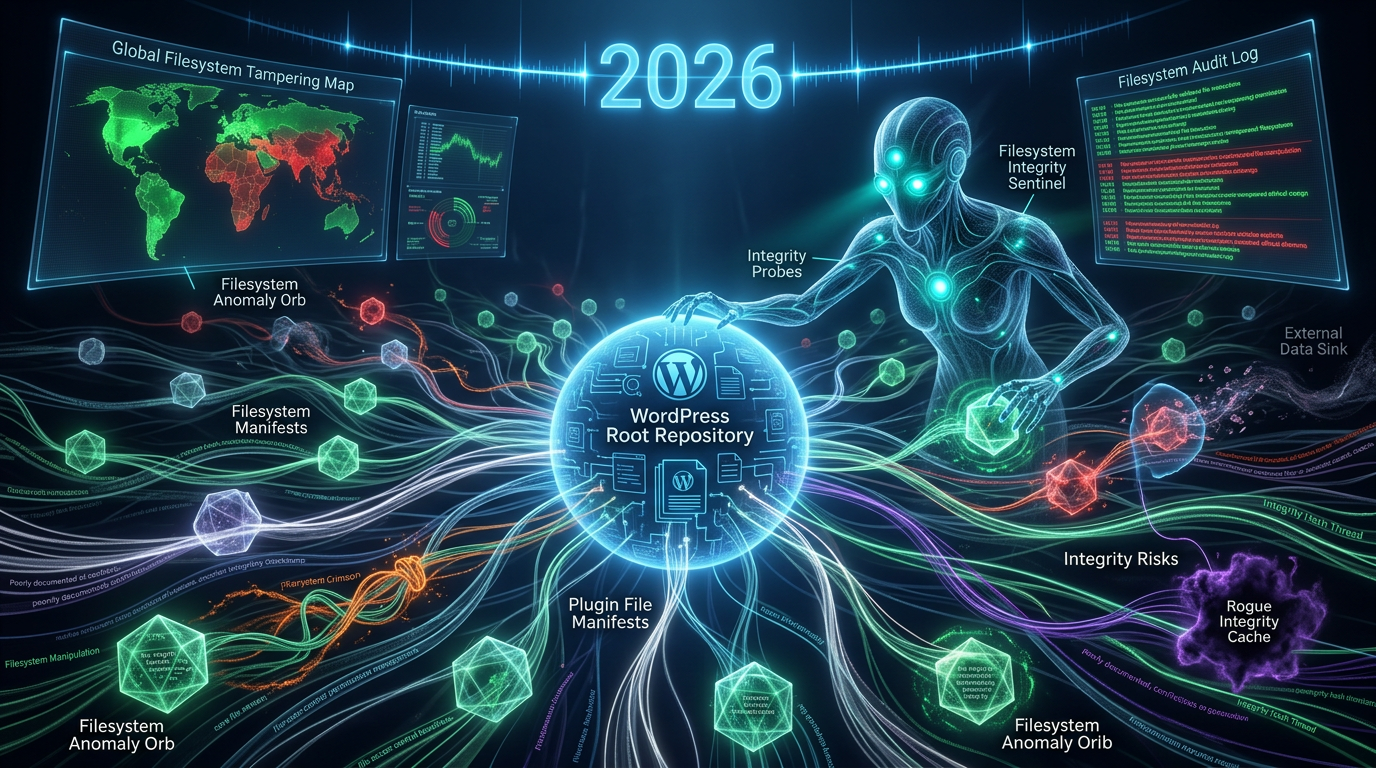
When user input is accepted without proper scrutiny, a plugin opens itself to severe security risks. Attackers can inject malicious code or commands, leading to various types of vulnerabilities. These include Cross-Site Scripting (XSS), SQL Injection (SQLi), Remote File Inclusion (RFI), and Local File Inclusion (LFI). An XSS attack, for instance, can allow an attacker to inject client-side scripts into web pages viewed by other users, potentially stealing cookies or defacing the site. SQLi, on the other hand, can grant unauthorized access to sensitive database information or even lead to full database compromise. These threats continue to evolve, making diligence in 2026 crucial for maintaining adequate WordPress plugin security, including protection against filesystem manipulation and integrity risks.

Sanitization vs. Validation: What's the Difference?
While often used interchangeably, input validation and sanitization serve distinct purposes. Validation is the process of checking if input meets specific criteria – is it the correct data type, within an expected range, or conforming to a particular format? If validation fails, the input should be rejected entirely. Sanitization, conversely, is the process of cleaning or filtering input to remove potentially malicious or unwanted characters and code, making it safe for use. For example, validating an email ensures it looks like an email address, while sanitizing it removes any script tags that might be hidden within it. This meticulous process helps guard against issues like data type coercion and logic flaw risks.
Common WordPress Plugin Security Vulnerabilities
The complexity of WordPress plugins, combined with diverse developer practices, can lead to several recurring security vulnerabilities. In 2026, understanding these common weaknesses is essential for proactive defense and strengthening WordPress plugin security.
- Cross-Site Scripting (XSS): Allows attackers to inject client-side scripts into web pages viewed by others.
- SQL Injection (SQLi): Enables attackers to interfere with queries that an application makes to its database, potentially revealing sensitive data.
- Broken Access Control: Flaws in how authentication and authorization are handled, allowing users to access resources they shouldn't.
- Insecure Direct Object References (IDOR): Attackers can manipulate parameters that directly reference objects (e.g., database keys), leading to unauthorized data access.
- Cross-Site Request Forgery (CSRF): Tricks authenticated users into executing unintended actions.
- Insecure Deserialization: Leads to remote code execution when untrusted data is deserialized.
- Sensitive Data Exposure: When applications fail to properly protect sensitive data, such as financial, healthcare, or personal information.
These vulnerabilities, often rooted in poor input handling, remain prevalent in 2026. Regularly reviewing the OWASP Top 10 provides valuable insights into the most critical web application security risks, many of which directly impact WordPress plugin security.
Best Practices for Enhancing WordPress Plugin Security
Developers hold the primary responsibility for writing secure code, and site administrators for choosing well-coded plugins. Adhering to best practices is paramount for bolstering WordPress plugin security in 2026 and beyond.
Implementing Robust Input Validation
Always validate *all* incoming data, regardless of its source (user input, external APIs, databases). Assume all input is malicious until proven otherwise. WordPress provides a range of functions to help:
filter_var(): For validating emails, URLs, and other common data types.is_numeric(),intval(),floatval(): For numeric validation.sanitize_key(): Ensures a string is safe to use as a key.- Regular expressions (regex): For complex pattern matching.
For example, to validate a boolean value submitted via a form, you might use wp_validate_boolean(). Always validate data on the server-side, as client-side validation can be easily bypassed.
Effective Data Sanitization Techniques
After validation, data often needs sanitization before being stored or displayed. WordPress offers powerful sanitization functions:
sanitize_text_field(): Removes unwanted characters, HTML tags, and ensures proper encoding for general text input.wp_kses(),wp_kses_post(),wp_kses_data(): Strips out unwanted HTML tags and attributes, allowing only a safe subset. Crucial for user-submitted content that might contain rich text.esc_attr(),esc_html(),esc_url(),esc_js(): These "escaping" functions prepare data for safe output in specific contexts (HTML attributes, HTML content, URLs, JavaScript).absint(): Ensures an integer is non-negative.esc_sql(): Escapes a string for use in an SQL statement. (Note: Using prepared statements with$wpdb->prepare()is generally safer and preferred for SQL queries).
Applying these functions diligently throughout your plugin's codebase is crucial for preventing output-related vulnerabilities like XSS.
Secure Coding Principles for WordPress Plugin Security
Beyond input handling, several other principles contribute to robust WordPress plugin security, including addressing hidden technical debt and long-term maintainability:
- Use Nonces: Implement nonces (Number used ONCE) for all actions that modify data or settings to protect against CSRF attacks.
- Principle of Least Privilege: Give users, roles, and processes only the permissions they absolutely need.
- Secure Database Queries: Always use
$wpdb->prepare()for SQL queries involving user input to prevent SQL injection. - Error Handling and Logging: Implement proper error handling to avoid revealing sensitive information through error messages, and log security-related events.
- Regular Updates: Keep WordPress core, themes, and all plugins updated to the latest versions to patch known vulnerabilities.
- Sanitize Output: Just as important as sanitizing input, always escape data immediately before outputting it to the browser.
Auditing Your WordPress Plugins for Security in 2026
For both developers and site owners, regularly auditing plugins is a non-negotiable step in maintaining superior WordPress plugin security. This proactive approach helps identify and mitigate vulnerabilities before they can be exploited, covering everything from input validation to identifying hidden performance bottlenecks.
Manual Code Review Checkpoints
When conducting a manual review of plugin code, focus on these critical areas:
- Input Processing: Examine all instances where user input (
$_GET,$_POST,$_REQUEST,$_COOKIE,$_FILES) is handled. Is it validated and sanitized appropriate to its context? - Database Interactions: Check all SQL queries. Are
$wpdb->prepare()or other secure methods used for dynamic queries? - Output Escaping: Review every instance where data is displayed on the frontend or backend. Are proper escaping functions (e.g.,
esc_html(),esc_attr()) being used? - Nonce Usage: Verify that nonces are implemented for all actions that change state or settings.
- File Operations: If the plugin deals with file uploads or manipulation, ensure strong validation of file types, sizes, and proper path handling.
- Permissions and Capabilities: Ensure that actions are restricted to users with appropriate capabilities.
Automated Security Scanners and Tools
Complement manual reviews with automated tools designed to detect common vulnerabilities. While no tool is perfect, they can significantly reduce the workload and catch issues human eyes might miss. Look for:
- Static Application Security Testing (SAST) tools: Analyze source code for vulnerabilities without executing it.
- Dynamic Application Security Testing (DAST) tools: Test applications in their running state by simulating attacks.
- WordPress-specific security scanners: Plugins like Wordfence, Sucuri, and iThemes Security often include vulnerability scanning features.
- Vulnerability Databases: Consult public databases (e.g., WPScan Vulnerability Database, CVE) for known issues in plugins you use.

The Future of WordPress Plugin Security
As we move further into 2026, the landscape of WordPress plugin security continues to evolve. Emerging threats, coupled with advancements in AI and machine learning, are shaping how vulnerabilities are identified and mitigated. We can expect to see more sophisticated automated scanning tools, greater emphasis on supply chain security for third-party dependencies within plugins, and increased developer education on secure coding practices. The community's collective effort in reporting and patching vulnerabilities will remain the cornerstone of a secure WordPress ecosystem.
Ultimately, strong WordPress plugin security is not a one-time task but an ongoing commitment. By understanding and rigorously applying input validation and sanitization techniques, developers can build more resilient plugins, and site owners can operate with greater peace of mind. Staying informed about the latest threats and continually auditing your plugins will ensure your WordPress site remains secure and stable in 2026 and for years to come.
Frequently Asked Questions

Written by Aras Akıncılar
Uzun yıllara dayanan WordPress deneyimine sahip bir siber güvenlik uzmanı olarak, eklenti ekosisteminin derinlemesine analizine odaklanıyorum. Güvenlik açıkları, performans düşüşleri ve uyumluluk sorunları üzerine hazırladığım makalelerle, WordPress kullanıcılarının sitelerini daha güvenli ve verimli hale getirmelerine yardımcı olmayı hedefliyorum.