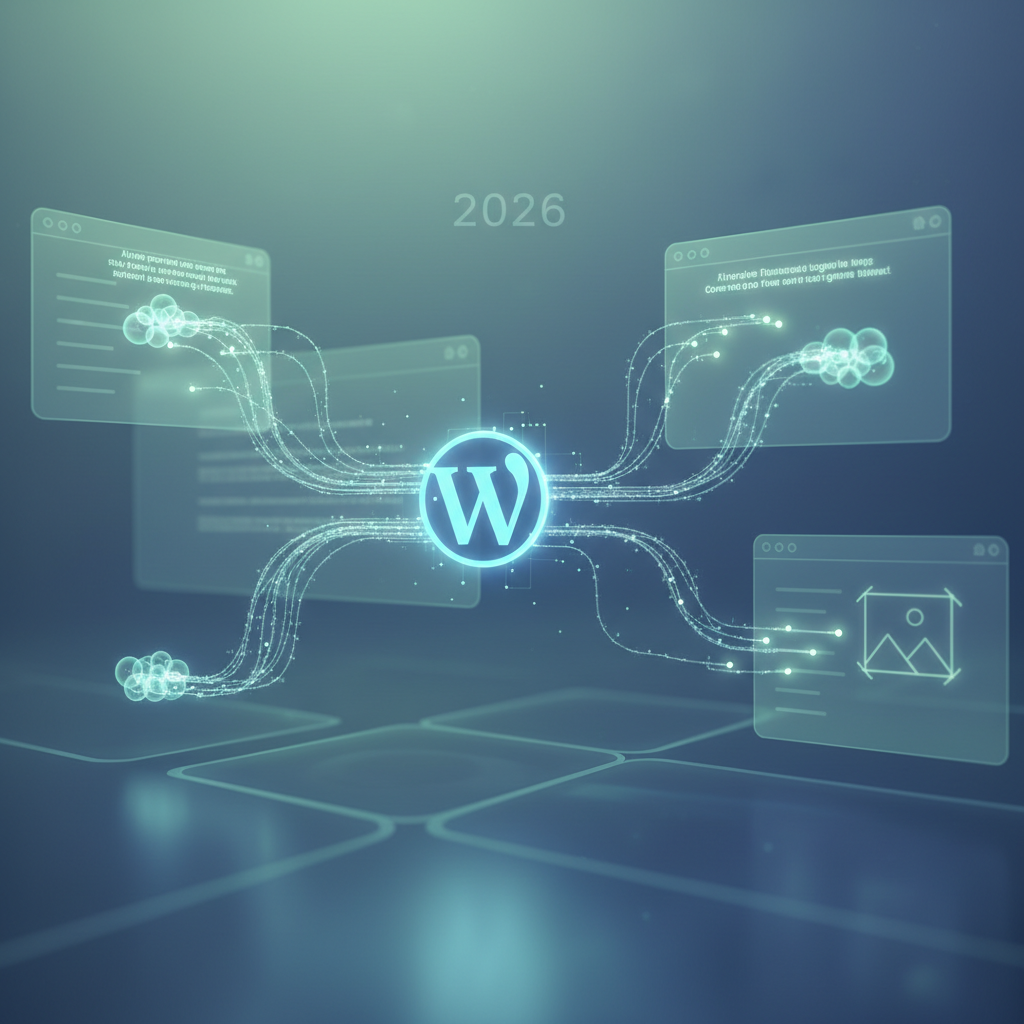
In-Browser AI WordPress Plugin: Real-time Content Augmentation in 2026
The digital landscape is in constant flux, and 2026 is witnessing a remarkable transformation in how content is created and managed within the WordPress ecosystem. A significant driver of this evolution is the emergence and maturation of the in-browser AI WordPress plugin. These innovative tools are no longer just concepts; they are becoming integral to website operations. Specifically, an in-browser AI WordPress plugin offers real-time content augmentation, enhanced user experiences, and streamlined workflows directly within the browser, without relying on external API calls for every action. This paradigm shift fundamentally changes how webmasters interact with their content, empowering them with intelligent assistance at their fingertips.
The Rise of Real-time Assistance with an In-Browser AI WordPress Plugin
The demand for immediate, intelligent assistance in content creation and optimization has spurred the rapid development of in-browser AI solutions. Traditional AI integrations often rely on server-side processing, introducing latency and potential cost implications with every API request. Fortunately, an in-browser AI WordPress plugin bypasses many of these issues by executing AI models directly within the user's browser environment.
This approach offers several distinct advantages, particularly in scenarios where instant feedback is crucial. For example, from natural language processing for text refinement to image optimization and SEO suggestions, the speed and responsiveness of in-browser AI are revolutionizing productivity for WordPress users in 2026. The capabilities of an in-browser AI WordPress plugin are continuously expanding, making content creation more efficient than ever.
How In-Browser AI Mechanics Work
So, how does an in-browser AI function without constant server communication? The core principle involves loading pre-trained AI models, often optimized for client-side execution, directly into the user's browser upon page load. Typically, this can be achieved using frameworks like TensorFlow.js or ONNX Runtime Web, which allow machine learning models to run efficiently on JavaScript. Once loaded, the AI can process data locally, providing immediate responses without sending data back and forth to a remote server. This is particularly beneficial for privacy-sensitive applications as well, making an in-browser AI WordPress plugin a secure choice.
Key Benefits of Client-Side AI in WordPress in 2026
- Reduced Latency: Expect instantaneous feedback on content, design, and SEO.
- Enhanced Privacy: Sensitive data processing occurs locally, reducing the need for external data transmission.
- Lower Server Load: Benefit from decreased reliance on server resources for AI computations, leading to better overall website performance.
- Offline Capabilities: In some cases, basic AI functionalities can still operate even with intermittent internet connectivity.
- Cost Efficiency: Minimize API call expenses associated with third-party AI services.
Transforming Content Creation with an In-Browser AI WordPress Plugin
For content creators, the advent of a robust in-browser AI WordPress plugin is akin to having a personal editorial assistant available 24/7. These plugins are not just spell-checkers; indeed, they are sophisticated tools that understand context, suggest improvements, and even generate ideas. Consequently, writers can now receive real-time suggestions for sentence rephrasing, tone adjustment, grammar correction, and even content expansion. Imagine typing a paragraph and immediately seeing suggestions to make it more engaging, concise, or SEO-friendly. This immediate feedback loop significantly streamlines the content creation process, allowing creators to focus on their core message. An in-browser AI WordPress plugin truly empowers content creators.
Real-time SEO Optimization Features
SEO is no longer an afterthought but an integral part of the content creation workflow, thanks to in-browser AI. For instance, an effective in-browser AI WordPress plugin can analyze content as it's being written and provide immediate recommendations for keyword density, readability scores, meta description optimization, and internal linking strategies. This proactive approach helps ensure content is optimized from conception, rather than requiring extensive revisions post-publication.
These plugins often integrate with popular SEO analysis frameworks, providing dynamic scores and actionable insights directly within the WordPress editor. Ultimately, this level of integration ensures that content isn't just well-written, but also well-positioned to rank high in search engine results in 2026.
Grammar, Style, and Readability Enhancements
Beyond basic spell checking, modern in-browser AI tools offer advanced grammar correction, style suggestions, and readability analyses. They can detect complex grammatical errors, suggest more active voice constructions, identify jargon, and recommend simpler phrasing for improved comprehension. This holistic approach to content refinement ensures that published material is not only error-free but also clear, engaging, and professional. An in-browser AI WordPress plugin significantly elevates content quality.
Addressing Potential Risks: Performance and Compatibility
While the benefits are compelling, it's crucial to acknowledge the potential downsides associated with any plugin, especially those leveraging advanced technologies. An in-browser AI WordPress plugin, while reducing server load, shifts some processing burden to the client's browser. This can impact performance if the AI models are large or poorly optimized, potentially slowing down the editor or even the entire browser experience, especially on older devices.
Furthermore, compatibility issues with other plugins or themes can arise. WordPress's diverse ecosystem means that conflicts are a persistent challenge. Excessive memory usage or JavaScript conflicts are areas needing careful consideration during plugin development and user selection.
Security Vulnerabilities and Data Concerns
Although in-browser AI often boasts enhanced privacy due to local processing, security isn't entirely off the table. Outdated code, insecure configurations, or vulnerabilities within the AI model itself could still pose risks. While data might not leave the browser for AI processing, the plugin itself, like any other, could be a vector for malicious code if not properly secured and maintained. Users must prioritize plugins from reputable developers with a strong track record of security updates. This is especially true for an in-browser AI WordPress plugin.
It's also important to understand what kind of data the plugin might log locally, even if it's not being sent to external servers. Transparency from plugin developers regarding data handling is paramount in 2026.
Performance Optimization for Client-Side AI
Developers of in-browser AI plugins are constantly working on optimizing model sizes and execution efficiency. Techniques like model quantization, pruning, and using lightweight architectures are essential. For users, it's advisable to check plugin reviews and developer documentation regarding known performance impacts, especially if their target audience uses a wide range of devices.
Caching mechanisms can also play a role, preventing the models from having to be reloaded entirely with every page visit, thereby enhancing the user experience after the initial load. An optimized in-browser AI WordPress plugin ensures a smooth workflow.
Best Practices for Implementing an In-Browser AI WordPress Plugin
To maximize the advantages and mitigate the risks of integrating an in-browser AI WordPress plugin, adherence to best practices is essential for both developers and end-users. As the WordPress ecosystem continues to grow, careful selection and maintenance of plugins become paramount for a secure, stable, and high-performing website. For developers, clear documentation, regular security audits, and efficient code are non-negotiable. For users, due diligence during the selection phase and ongoing monitoring are key.
Choosing a Reputable In-Browser AI Plugin
- Developer Reputation: Prioritize plugins from established developers with a history of regular updates and good support.
- Reviews and Ratings: Consult user reviews and ratings on the WordPress plugin directory or other credible sources.
- Security Audits: Look for indications that the plugin has undergone security audits or adheres to strict security standards.
- Compatibility: Ensure the plugin is actively maintained and compatible with the latest WordPress versions, popular themes, and other essential plugins you use.
- Performance Footprint: Check if developers provide information on the plugin's performance impact, especially on older hardware.
Regular Updates and Monitoring
Keeping all plugins, including your in-browser AI WordPress plugin, updated is critical. Updates often include security patches, performance improvements, and bug fixes. Running outdated code, therefore, is a common cause of security vulnerabilities and compatibility issues. Additionally, set up monitoring tools to track your website's performance and identify any potential slowdowns or errors that might arise after installing new plugins.
Regularly reviewing your plugin list and deactivating or deleting unused or unsupported plugins further contributes to a lean, secure, and efficient WordPress installation in 2026.
The Future Landscape of WordPress and In-Browser AI in 2026
The trajectory for an in-browser AI WordPress plugin is steep, with continued innovation expected throughout 2026 and beyond. Indeed, we can anticipate more sophisticated, efficient, and specialized AI models that will further reduce resource consumption while expanding capabilities. Integration with other emerging technologies, such as WebAssembly, will likely enhance performance even further.
The push for greater personalization, deeper content understanding, and more intuitive user interfaces will drive the next wave of developments. WordPress, as the leading content management system, will undoubtedly remain at the forefront of this AI integration, empowering millions of users with intelligent tools directly in their browsers.
As the "silent symbiotes" of WordPress, these plugins will continue to evolve, making content creation more accessible, efficient, and intelligent for everyone. The future of the in-browser AI WordPress plugin is bright.
Frequently Asked Questions

Written by Aras Akıncılar
Uzun yıllara dayanan WordPress deneyimine sahip bir siber güvenlik uzmanı olarak, eklenti ekosisteminin derinlemesine analizine odaklanıyorum. Güvenlik açıkları, performans düşüşleri ve uyumluluk sorunları üzerine hazırladığım makalelerle, WordPress kullanıcılarının sitelerini daha güvenli ve verimli hale getirmelerine yardımcı olmayı hedefliyorum.


