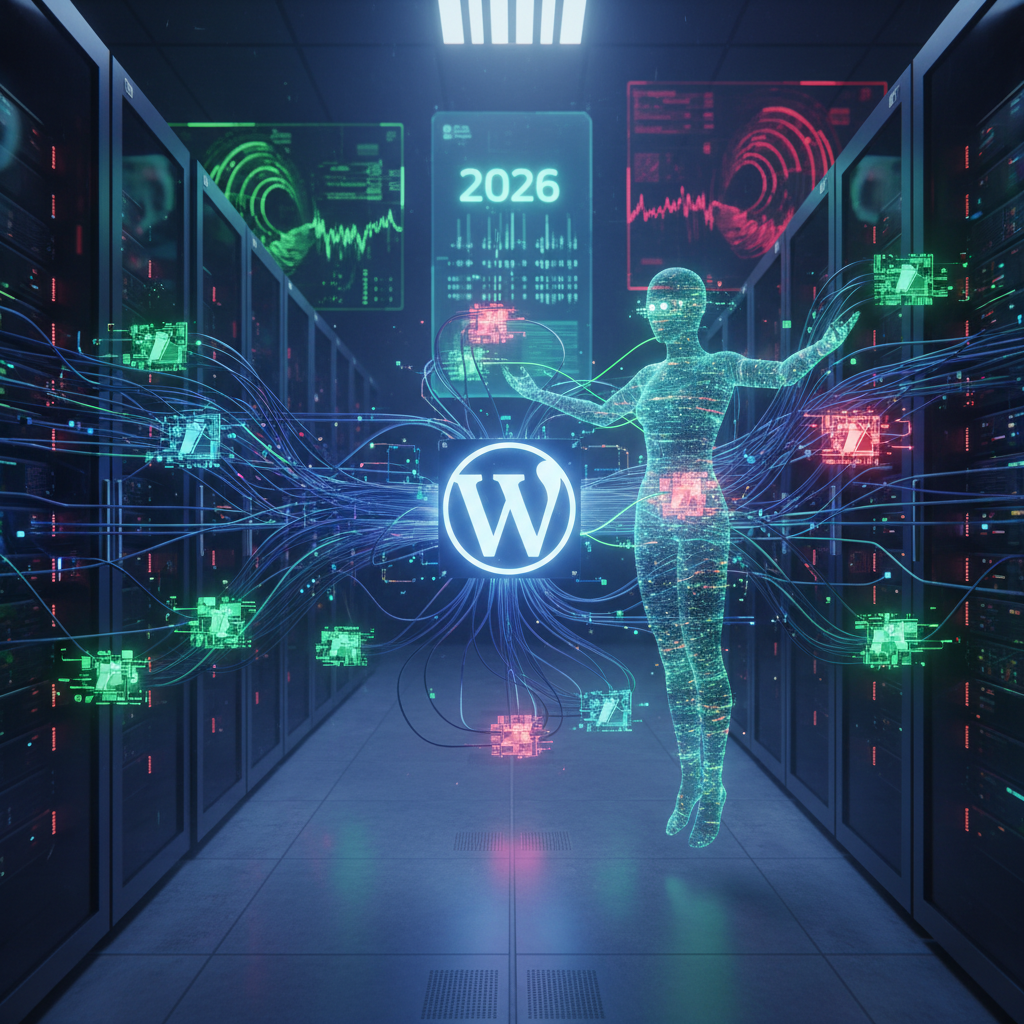
The Silent Storytellers: Unmasking WordPress Micro-CMS Plugins & Their Security Footprint in 2026
In the vast and ever-evolving landscape of web development, WordPress micro-CMS plugins have emerged as silent, yet powerful, architects of dynamic content experiences. These specialized plugins, often acting as miniature content management systems within the larger WordPress framework, empower users to manage specific content types or functionalities with unparalleled precision. This article delves into the intricate world of such plugins, analyzing their functionalities, evaluating their impact on website performance, and critically examining the security risks they introduce, especially as we navigate the digital challenges of 2026.
Understanding WordPress Micro-CMS Plugins: A Deeper Dive
At their core, WordPress micro-CMS plugins are designed to streamline the management of particular content subsets. Unlike general-purpose page builders or large e-commerce platforms, micro-CMS plugins focus on niche applications, offering tailored administrative interfaces and display options. Think of them as dedicated mini-applications running within your WordPress site, providing a focused solution for specific content needs.
What Defines a Micro-CMS Plugin?
- Niche Functionality: They typically address a very specific content management requirement, such as event listings, job boards, directories, testimonials, or specialized portfolios.
- Dedicated Content Types: Many introduce custom post types and taxonomies to structure their unique content effectively.
- Specialized Interfaces: They often come with bespoke backend interfaces for easier content input and management, distinct from the standard WordPress post editor.
- Front-end Display Options: Most provide shortcodes, blocks, or widgets to display the managed content on the front end of the website.
For instance, a plugin designed solely for managing a filmography might allow for categorizing movies by genre, director, and release date, offering a dedicated interface for adding poster art and trailers – a focused functionality that goes beyond standard blog posts. For more insights into how plugins dictate user interaction, explore The Silent Alchemists: How WordPress Plugins Remodel User Interaction & Usability in 2026.
The Functional Landscape of WordPress Micro-CMS Plugins
The utility of WordPress micro-CMS plugins lies in their ability to extend WordPress far beyond its blogging roots. They transform a generic content platform into a highly specialized tool tailored for specific business or personal needs. Understanding their diverse functionalities is key to leveraging their power effectively.
Common Use Cases and Examples in 2026
- Event Management: Plugins like The Events Calendar or Amelia allow for creating, managing, and displaying complex event schedules, complete with ticketing, attendee registration, and venue details.
- Directory Listings: Solutions such as Business Directory Plugin or GeoDirectory enable the creation of comprehensive online directories for businesses, members, or resources, often with search and filter capabilities.
- Job Boards: WP Job Manager or Simple Job Board facilitate the creation of professional job listing sites, including application forms and employer dashboards.
- Portfolio and Gallery Management: For creative professionals, plugins like FooGallery or Essential Grid offer advanced ways to showcase work with custom layouts, filtering, and lightbox effects.
- Testimonial Management: Simple Testimonials or Testimonial Rotator provide an easy way to collect, manage, and display customer feedback, enhancing social proof.
Each of these examples represents a mini-CMS operating within WordPress, providing a complete content management lifecycle for its specific domain. The convenience and power offered by these WordPress micro-CMS plugins are undeniable, but they come with their own set of considerations. For a deeper look into content modularity, consider reading The Silent Curators: Unmasking WordPress Plugins Dictating Content Modularity & Reusability in 2026.
Navigating the Security Footprint of WordPress Micro-CMS Plugins in 2026
While WordPress micro-CMS plugins offer immense functional value, they also introduce a significant security footprint that necessitates careful consideration. As cyber threats become increasingly sophisticated in 2026, understanding and mitigating these risks is paramount for maintaining a secure WordPress website.
Common Security Vulnerabilities and Risks
- Outdated Code: One of the most prevalent threats stems from plugins that are no longer actively maintained. Outdated codebases often contain unpatched vulnerabilities that hackers can exploit.
- Insecure Configurations: Poorly configured plugins can expose sensitive data or grant excessive permissions, creating entry points for attackers.
- Excessive Permissions: Many plugins request more permissions than they actually need to function. This "least privilege" principle is often violated, increasing the potential damage if the plugin is compromised.
- Third-Party Dependencies: Plugins often rely on external libraries or APIs. If these dependencies have security flaws, the plugin inherits those vulnerabilities, even if its own code is robust.
- Input Validation Issues: Lack of proper input validation can lead to vulnerabilities like SQL injection, cross-site scripting (XSS), and arbitrary file uploads.
- Authentication Bypass: Flaws in authentication mechanisms can allow unauthorized users to gain access to administrative functions within the micro-CMS.
The vast number of plugins available means that not all are developed with the same security rigor. Regular audits and a proactive approach are essential when dealing with WordPress micro-CMS plugins. Understanding The Silent Conductors: How WordPress Plugins Dictate Your Site's Quantum Algorithm Vulnerabilities in 2026 is becoming increasingly crucial in this evolving threat landscape.
Best Practices for Securing WordPress Micro-CMS Plugins
- Choose Reputable Developers: Prioritize plugins from well-known developers with a strong track record for security and regular updates.
- Regular Updates: Always keep your plugins, themes, and WordPress core updated to the latest versions. Updates often include critical security patches.
- Security Audits: Periodically audit your website for vulnerabilities, especially after installing new WordPress micro-CMS plugins. Utilize security scanning tools.
- Limit Plugin Usage: Install only the plugins you genuinely need. Each additional plugin increases the attack surface.
- Strong Passwords and User Roles: Enforce strong password policies and assign the principle of least privilege to user roles, limiting access to plugin settings to only necessary personnel.
- Backup Regularly: Maintain frequent and reliable backups of your entire WordPress site. This allows for quick recovery in case of a security incident.
- Monitor Logs: Keep an eye on your server and WordPress activity logs for any suspicious behavior.
By adhering to these best practices, website administrators can significantly reduce the security risks associated with integrating WordPress micro-CMS plugins into their sites. For a broader perspective on security, consider this OWASP Top 10 guide, which highlights critical web application security risks.
Performance Impact and Compatibility of WordPress Micro-CMS Plugins
Beyond security, WordPress micro-CMS plugins can also significantly impact website performance and introduce compatibility issues. A feature-rich plugin, while offering great functionality, might come at the cost of speed and stability if not chosen and managed wisely.
Evaluating Performance Considerations
- Resource Consumption: Complex plugins can consume significant server resources (CPU, memory, database queries), leading to slower page load times.
- Database Overhead: Many micro-CMS plugins create their own database tables or add numerous entries to existing ones, potentially bloating the database and affecting query speeds.
- Script and Style Bloat: Plugins often enqueue their own CSS and JavaScript files. Too many of these can lead to larger page sizes and increased HTTP requests, slowing down the front end.
- Inefficient Code: Poorly written plugin code can execute inefficient queries or perform unnecessary operations, impacting overall site speed.
In 2026, user experience is heavily tied to website speed. Slow-loading websites not only deter users but also negatively impact SEO rankings. Therefore, selecting performance-optimized WordPress micro-CMS plugins is crucial. For detailed discussions on site reliability, see Unmasking the Silent Guardians: How WordPress Plugins Are Revolutionizing Predictive AIOps for Site Reliability in 2026.
Addressing Compatibility Challenges
- Theme Conflicts: Plugins can clash with themes, leading to broken layouts or functionality. This is particularly common with highly customized themes or page builders.
- Plugin-to-Plugin Conflicts: Interactions between two or more plugins can sometimes cause unexpected behavior or errors, especially if they try to modify the same core WordPress functionalities or hook into the same actions/filters.
- WordPress Core Updates: Major WordPress core updates can occasionally break older or poorly maintained plugins, requiring the developer to issue compatibility updates.
- PHP Version Incompatibilities: As hosting environments upgrade to newer PHP versions, older plugins might not be compatible, leading to fatal errors.
Before implementing any new WordPress micro-CMS plugins, it's always advisable to test them in a staging environment. This allows you to identify and resolve any performance bottlenecks or compatibility issues without affecting your live website. For further reading on WordPress performance, an article from Kinsta on WordPress performance optimization offers valuable insights.
Conclusion: Mastering WordPress Micro-CMS Plugins in 2026
The evolution of WordPress micro-CMS plugins has transformed WordPress into an incredibly versatile platform, capable of handling highly specialized content management tasks. From event registrations to intricately crafted portfolios, these plugins are the unsung heroes that empower websites with advanced functionalities. However, with great power comes great responsibility.
As we advance through 2026, the success of leveraging these powerful tools hinges on a balanced approach that prioritizes security, performance, and compatibility. By making informed decisions about plugin selection, maintaining diligent update routines, and adhering to best security practices, developers and website owners can harness the full potential of WordPress micro-CMS plugins while safeguarding their digital assets against the ever-present threats of the internet. The silent storytellers continue to shape the web, and it's our collective responsibility to ensure they do so securely and efficiently. For additional resources on maintaining WordPress security, you might find information from WordPress.org's security section beneficial.
Frequently Asked Questions

Written by Aras Akıncılar
Uzun yıllara dayanan WordPress deneyimine sahip bir siber güvenlik uzmanı olarak, eklenti ekosisteminin derinlemesine analizine odaklanıyorum. Güvenlik açıkları, performans düşüşleri ve uyumluluk sorunları üzerine hazırladığım makalelerle, WordPress kullanıcılarının sitelerini daha güvenli ve verimli hale getirmelerine yardımcı olmayı hedefliyorum.


