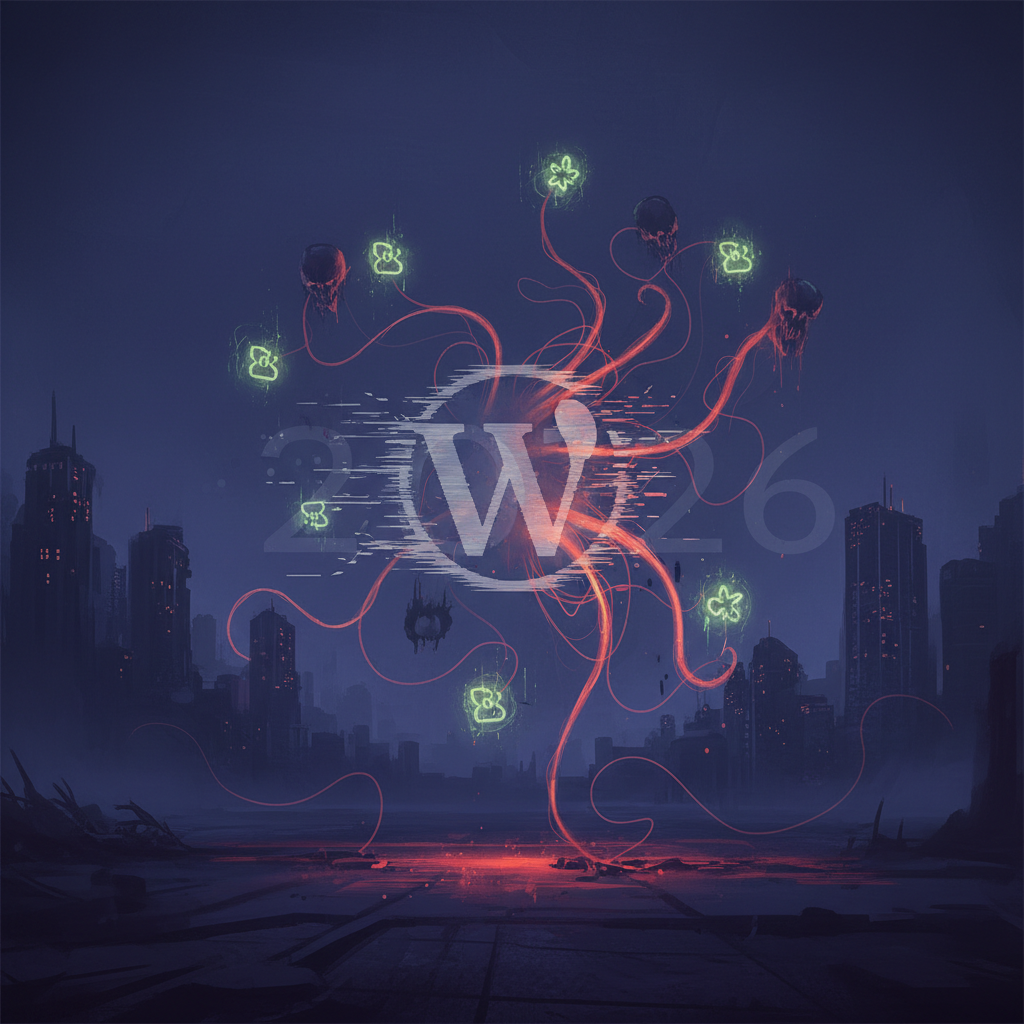
The Ghost in the Machine: Unmasking Digital Residues & Zombie Processes from Deactivated WordPress Plugins (2026) – Your Ultimate WordPress Plugin Cleanup Guide
Every WordPress website owner eventually faces the challenge of managing plugins. While these extensions enhance functionality, the process of deactivating or deleting them isn't always as clean as it seems. This comprehensive guide will delve into the critical topic of WordPress plugin cleanup, exploring the hidden residues and "zombie processes" that can plague your site long after a plugin has been removed. Understanding and addressing these digital ghosts is essential for maintaining a secure, stable, and high-performance WordPress website in 2026.
Why Thorough WordPress Plugin Cleanup is Crucial for Site Health
Many WordPress users believe deactivating and deleting a plugin is the end of the story. Unfortunately, this is rarely the case. Plugins, especially those poorly coded or with complex functionalities, often leave behind traces in your database, file system, and even lingering processes that can impact your site. Neglecting proper WordPress plugin cleanup can lead to a host of problems. Discover potential issues in The Silent Sabotage: Unmasking CPU Hogs and Memory Leaks in WordPress Plugins (2026).
These lingering elements are more than just digital clutter. They can be outright detrimental to your site's operational integrity. Think of them as digital ghosts that continue to consume resources or open security vulnerabilities, even without an active plugin.
Database Bloat: The Silent Performance Killer
One of the most common issues stemming from abandoned plugin data is database bloat. Plugins often create custom tables, options, and post types during their active life. When deactivated, these entries are frequently left untouched. Over time, an accumulation of such orphaned data can significantly slow down database queries, affecting your site’s loading speed and overall responsiveness.
- Degraded website performance
- Increased backup file sizes
- Longer database query times
Security Vulnerabilities from Abandoned Files
Even if a plugin is deactivated, its files often remain on your server. If these files contain outdated code or known security flaws, they can become an entry point for malicious actors. Cybercriminals constantly scan for these vulnerabilities, even in inactive components. A thorough WordPress plugin cleanup includes removing these dormant security risks. Learn more about protecting your site in WordPress Plugin Vulnerabilities and Protection.
In 2026, with the increasing sophistication of cyber threats, leaving old plugin files on your server is akin to leaving a back door open to your home. It’s an unnecessary risk that can be easily mitigated.
Conflicting Code and "Zombie Processes"
Less common but equally problematic are "zombie processes" or conflicting code snippets that might have been injected by a plugin and not properly removed. This can lead to unexpected errors, broken functionalities, and even white screens of death, making site diagnosis incredibly challenging. These processes might attempt to run, consuming server resources, even if the primary plugin is long gone.
Identifying Digital Residues: What Plugins Leave Behind
To effectively manage your WordPress plugin cleanup efforts, you need to know what you're looking for. Deactivated or deleted plugins can scatter their digital footprint across various parts of your WordPress installation.
Understanding the different types of residues is the first step towards a systematic cleanup. It’s not just about one simple delete; it’s about a comprehensive sweep.
Database Tables and Options
Most plugins store their data in the wp_options table or create their own custom tables (e.g., wp_plugin_name_data). When you delete a plugin through the WordPress dashboard, it often only deletes the plugin files, not the database entries. These entries can range from configuration settings to cached data and user-generated content related to the plugin.
- Custom tables (prefixed with
wp_or specific plugin names) - Options in the
wp_optionstable (often starting with the plugin's slug) - Transients for caching
Files and Folders in wp-content
Beyond the main plugin folder in wp-content/plugins/, many plugins create additional directories for storing logs, cache files, uploaded assets, or temporary data. These are frequently overlooked during manual deletion.
Common locations include subfolders within wp-content/uploads/, wp-content/cache/, or even directly in wp-content/.
Orphaned Shortcodes and Embeds
If a plugin introduced custom shortcodes or embedding functionalities, and you used them in your posts or pages, those shortcodes will remain in your content even after the plugin is gone. While usually harmless, they appear as broken code to your visitors and might indicate incomplete WordPress plugin cleanup.
Strategies for Effective WordPress Plugin Cleanup in 2026
Performing a thorough WordPress plugin cleanup requires a multi-pronged approach. It's not a one-time task but rather an ongoing maintenance habit for a healthy site. Here are the best practices for 2026:
Proactive approaches combined with reactive solutions will ensure your WordPress site remains lean and efficient. Regular audits are key to preventing accumulation of digital debris. For more in-depth strategies, refer to Future-Proofing Your WordPress: Essential Plugin Auditing Strategies for 2026.
1. Utilize Specialized Cleanup Plugins
Several well-regarded WordPress plugins are designed specifically to help clean up your database. Tools like WP-Optimize, Advanced Database Cleaner, and WP-Sweep can scan your database for orphaned tables, options, and transients, allowing you to remove them safely. Always back up your database before using such tools!
- WP-Optimize: Cleans up revisions, draft posts, transient options, and optimizes database tables.
- Advanced Database Cleaner: Identifies and cleans old plugin data, orphaned options, and tables.
- WP-Sweep: Replaces the default WordPress optimize functionality with a more thorough cleanup.
2. Manual Database Inspection (for Advanced Users)
For those comfortable with phpMyAdmin or a similar database management tool, a manual inspection can offer granular control. Look for tables prefixed with names reminiscent of old plugins. For options in the wp_options table, search for entries that clearly belong to uninstalled plugins. Exercise extreme caution, as incorrect deletions can break your site.
Always perform a full database backup before attempting any manual changes. This safety net is non-negotiable for WordPress plugin cleanup at this level. External resources like WordPress Developer Resources on Database Optimization can offer additional guidance.
3. File System Scrutiny via FTP/SFTP
Regularly connect to your server via FTP or SFTP and examine the wp-content directory. Look for folders left behind by uninstalled plugins, especially in wp-content/uploads/ or wp-content/cache/. If you're certain a folder belongs to a defunct plugin and contains no important user data, you can safely delete it. This is a critical step in comprehensive WordPress plugin cleanup.
4. Choose Plugins Wisely and Test Thoroughly
Prevention is always better than cure. Before installing any new plugin, thoroughly vet its reputation, check its last update date (preferably within the last few months of 2026), and read reviews. Always test new plugins on a staging environment first to understand their impact and what they leave behind upon deactivation. This proactive approach minimizes future cleanup headaches. Consider the implications discussed in Beyond the Hype: Deconstructing WordPress Plugin Performance & Security Trade-offs in 2026.
A well-coded plugin should offer an uninstall routine that cleans up its database entries and files when deleted. Prioritize plugins that explicitly state they do this.
Best Practices for Preventing Plugin-Related Bloat and Security Risks
While WordPress plugin cleanup is essential, adopting preventative measures can significantly reduce the amount of digital residue your site accumulates. Being proactive in 2026 means building a resilient and efficient website from the ground up, reducing the need for extensive post-mortem cleanup.
Consider these preventative actions as integral to your ongoing WordPress site maintenance strategy. They are not just optional extras.
Regular Backups are Your Lifeline
Before any major plugin installation, deactivation, or cleanup, always perform a full site backup (files and database). This allows you to roll back your site to a previous working state if anything goes wrong during the cleanup or if a plugin removal causes unexpected issues. For 2026, reliable backup solutions are more accessible than ever, with many hosting providers offering automated backups.
Audit Plugins Periodically
Make it a habit to audit your installed plugins at least once a quarter. Ask yourself: Is this plugin still necessary? Is it actively maintained? Are there newer, more efficient alternatives? Deactivating and deleting unused plugins promptly will prevent them from accumulating data and potentially introducing security vulnerabilities. This is a fundamental aspect of ongoing WordPress plugin cleanup. For guidance on identifying critical threats, see The Invisible Threats: Unmasking WordPress Plugin Supply Chain Risks in 2026.
Read Plugin Documentation for Proper Uninstallation
Many plugins, especially complex ones, provide specific instructions for their uninstallation process. This might involve a special setting within the plugin itself to clean data, or even a specific code snippet to add to your wp-config.php during the deletion process. Consulting the documentation can save you a lot of trouble.
Ignoring these instructions is a surefire way to ensure a messy WordPress plugin cleanup experience.
Invest in Managed WordPress Hosting
While not a direct cleanup tool, a good managed WordPress host often includes features like automated backups, staging environments, and more robust server performance that can mitigate some of the negative impacts of plugin bloat. They might also offer security scanning that can detect dormant vulnerable files. Services like WP Engine Managed WordPress Hosting offer advanced solutions for optimal performance and security.
Conclusion: Embrace a Clean WordPress Environment
Maintaining a clean and optimized WordPress site in 2026 goes beyond just keeping your content updated. A thorough WordPress plugin cleanup routine is fundamental to ensuring your website remains fast, secure, and free from the digital ghosts of abandoned code. By understanding what plugins leave behind and employing systematic cleanup strategies coupled with preventative measures, you can unmask those digital residues and zombie processes, allowing your WordPress site to thrive.
Don't let neglected plugins compromise your site's integrity. Make proactive and reactive cleanup a core part of your web management strategy, safeguarding your digital assets and providing a superior experience for your visitors.
Frequently Asked Questions

Written by Aras Akıncılar
Uzun yıllara dayanan WordPress deneyimine sahip bir siber güvenlik uzmanı olarak, eklenti ekosisteminin derinlemesine analizine odaklanıyorum. Güvenlik açıkları, performans düşüşleri ve uyumluluk sorunları üzerine hazırladığım makalelerle, WordPress kullanıcılarının sitelerini daha güvenli ve verimli hale getirmelerine yardımcı olmayı hedefliyorum.


