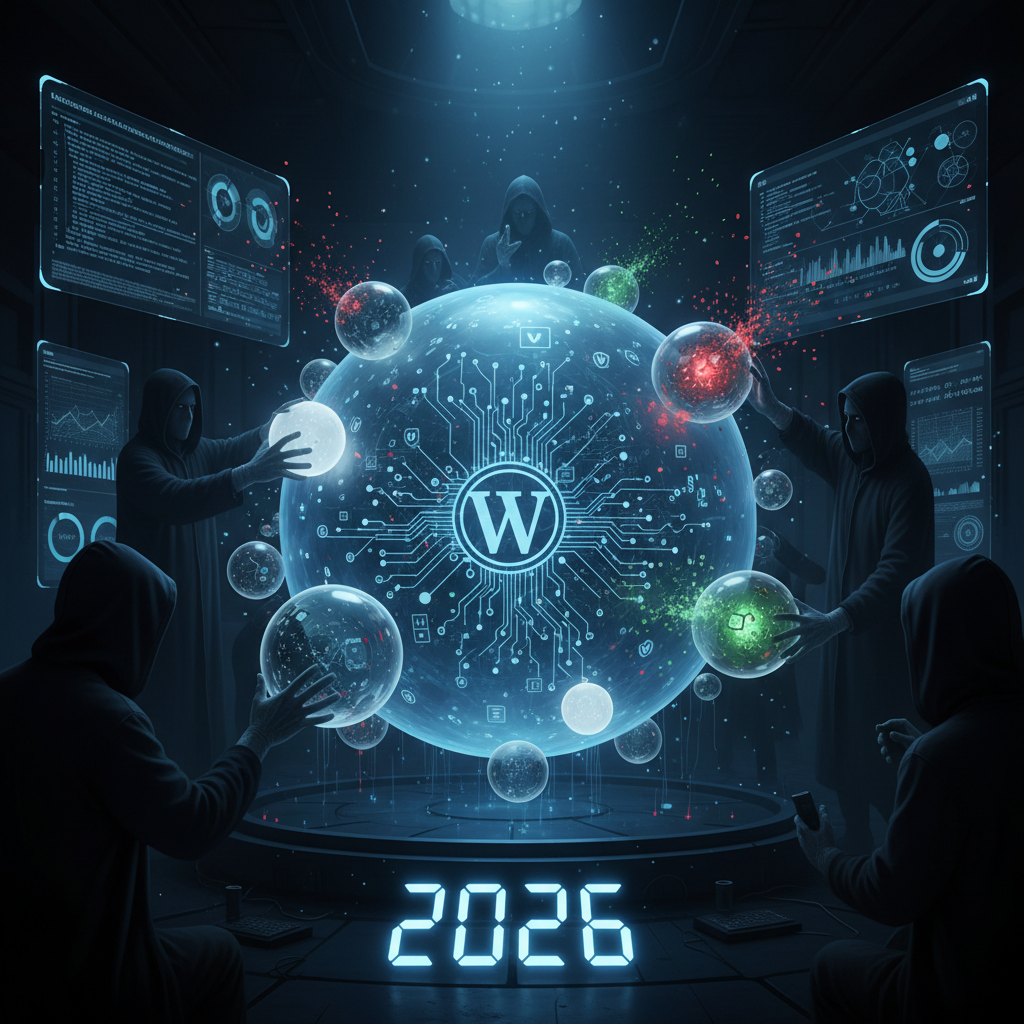
The Silent Storytellers: Unmasking WordPress Plugins as Micro-CMSs & Their Security Footprint in 2026
In the vast and ever-evolving landscape of web development, the ubiquitous WordPress plugin micro-CMS phenomenon has become a central topic of discussion, particularly as we navigate the digital currents of 2026. Many WordPress users perceive plugins as mere extensions of functionality, adding features like contact forms or SEO tools. However, a significant number of these plugins, especially those offering custom post types, intricate content structures, or advanced data management, effectively operate as miniature Content Management Systems within the larger WordPress framework. This often overlooked aspect carries profound implications for website security, performance, and overall stability.
For a deeper dive into the broader impact, consider exploring The Silent Auctioneers: Unmasking Digital Pollution from WordPress Plugins in 2026, which discusses the environmental impact of these digital additions.
Understanding the WordPress Plugin Micro-CMS Phenomenon
The concept of a WordPress plugin micro-CMS refers to plugins that provide extensive content creation, management, and display capabilities beyond simple additions. These aren't just widgets or shortcode generators; they often mimic the core functionalities of a full CMS for a specific niche. Think of event management plugins, directory plugins, or even advanced e-commerce solutions that manage products, orders, and customer data independently.
These powerful tools streamline complex operations, enabling users to manage highly specific content types without extensive coding. They abstract away much of the database interaction and front-end rendering, providing a user-friendly interface for specialized content. This autonomy, while beneficial for functionality, introduces a unique set of challenges and considerations that administrators must address proactively.
What Constitutes a Micro-CMS Plugin?
- Custom Post Types & Taxonomies: Plugins that define and manage their own bespoke content structures, like "Events," "Products," "Properties," or "Team Members."
- Dedicated Admin Interfaces: Often feature unique dashboards, settings pages, and content editors separate from the standard WordPress post/page editor. For insights into how plugins shape interfaces, see The Silent Alchemists: How WordPress Plugins Remodel User Interfaces & User Experience in 2026.
- Front-end Display Logic: Provide custom templates, shortcodes, or blocks for displaying their managed content on the website.
- Data Storage & Retrieval: Frequently utilize custom database tables or complex relationships within existing WordPress tables to store their specific data.
- User Role & Permission Management: Some advanced micro-CMS plugins include their own granular permission systems for accessing and managing their content.
Recognizing a WordPress plugin micro-CMS is the first step towards understanding its overall impact. These are not passive tools; they are active components that manage significant portions of your site's valuable data and functionality, making their integrity paramount.
The Evolving Security Landscape for the WordPress Plugin Micro-CMS in 2026
As we delve into 2026, the security landscape surrounding WordPress and its plugin ecosystem continues to intensify. The sophisticated nature of a WordPress plugin micro-CMS means it often presents a larger attack surface than simpler plugins. These plugins, by their very design, handle more sensitive data, interact more deeply with the database, and often include complex custom logic, all of which can become potential vectors for exploitation if not developed and maintained with stringent security practices.
Recent trends indicate a rise in targeted attacks against popular and complex plugins. Attackers are increasingly looking for vulnerabilities in these "silent storytellers" to gain unauthorized access, inject malicious code, or exfiltrate data. The sheer volume of code in a micro-CMS plugin, coupled with its deep integration into the WordPress core, makes it a prime target. Ensuring the security of your WordPress plugin micro-CMS is no longer just good practice; it's an absolute necessity.
For more information on general web security vulnerabilities, the OWASP Top 10 provides valuable insights into critical web application security risks.
Common Vulnerabilities in Complex Plugins
- SQL Injection: Due to custom database queries, micro-CMS plugins are susceptible if input sanitization is not rigorously applied. For detailed threats, explore The Silent Script Kiddies: Unmasking Injection Vulnerabilities in WordPress Plugin Hooks (2026).
- Cross-Site Scripting (XSS): Inadequate output encoding in admin interfaces or front-end displays can lead to XSS attacks, compromising user sessions.
- Arbitrary File Upload: Plugins that allow users to upload files, such as images or documents, can be exploited if upload validation is weak, enabling attackers to upload malicious scripts.
- Broken Access Control: Flaws in how the plugin manages roles and permissions can allow unauthorized users to perform privileged actions.
- Insecure Direct Object References: If the plugin exposes direct references to internal objects without proper authorization checks, attackers can manipulate them.
- Outdated Third-Party Dependencies: Many plugins leverage external libraries. If these are not kept up-to-date, known vulnerabilities from those libraries can be inherited.
Performance and Compatibility Challenges with WordPress Plugin Micro-CMS Solutions
Beyond security, the architectural complexity of a WordPress plugin micro-CMS can introduce significant challenges in terms of performance and compatibility. Each micro-CMS plugin adds its own set of database queries, stylesheets, JavaScript files, and server-side processing. When multiple such plugins are active, or when they are poorly optimized, the cumulative effect can severely impact website loading times and overall user experience.
The inherent independence of these plugins can also lead to compatibility issues. Conflicts can arise when two or more micro-CMS plugins try to use the same global variables, load conflicting versions of JavaScript libraries, or even when their custom post types or taxonomies overlap in unexpected ways. Diagnosing and resolving these conflicts can be a time-consuming and frustrating endeavor for administrators. Learn more about these interactions in The Silent Weavers: Unmasking WordPress Plugin Interoperability & Dependency Conflicts in 2026.
Optimizing for Performance
- Lazy Loading & Asset Offloading: Utilize techniques to only load necessary assets (scripts, styles, images) when they are needed. Consider offloading media to CDNs.
- Database Optimization: Regularly clean up database tables, optimize queries, and use caching solutions to reduce database load generated by the WordPress plugin micro-CMS.
- Code Minification & Caching: Minify CSS and JavaScript files. Implement robust caching strategies at various levels (page, object, browser) to minimize redundant processing.
- Choose Lightweight Alternatives: Where possible, opt for micro-CMS plugins that prioritize performance and have a reputation for clean, efficient code.
Addressing Compatibility Issues
- Staging Environments: Always test new plugins or updates in a staging environment before deploying to production.
- Developer Support: Check the developer's support track record. Active support is crucial for resolving compatibility issues.
- Plugin Conflicts: When encountering issues, deactivate plugins one-by-one to pinpoint the source of the conflict.
- Theme Compatibility: Ensure the WordPress plugin micro-CMS is fully compatible with your chosen WordPress theme, especially regarding custom templates and styling. This relationship is further explored in The Silent Symbionts: How WordPress Plugins Shape & Control Theme Design in 2026.
Best Practices for Maintaining a Secure and Efficient WordPress Plugin Micro-CMS Ecosystem
In 2026, managing a WordPress site, especially one that leverages the power of several WordPress plugin micro-CMS solutions, demands a proactive and informed approach. Best practices extend beyond simple installation; they encompass a lifecycle of vigilance, from selection to ongoing maintenance.
Adopting a structured methodology for plugin management can mitigate many of the risks associated with these powerful extensions. It’s about creating a robust, secure, and high-performing environment that benefits from the functionality of micro-CMS plugins without falling prey to their potential downsides. This foresight is critical for any WordPress administrator aiming for stability and security.
For additional resources on secure coding practices, the PortSwigger Web Security Academy offers comprehensive training materials.
Strategic Plugin Management
- Thorough Vetting: Before installing any WordPress plugin micro-CMS, thoroughly research its reputation, developer activity, update frequency, and user reviews. Look for plugins from reputable authors with strong security practices.
- Regular Updates: Keep all plugins, themes, and WordPress core up-to-date. Updates often include critical security patches and performance improvements.
- Least Privilege Principle: Ensure that plugin file permissions are set correctly to prevent unauthorized modifications. Review and adjust user roles to grant only the necessary access. Learn more about permissions in The Silent Gatekeepers: Unmasking Excessive Permissions in WordPress Plugins (2026).
- Security Audits: Periodically scan your WordPress site for vulnerabilities using dedicated security plugins or professional auditing services. Pay close attention to anything flagged in a WordPress plugin micro-CMS.
- Limited Installation: Install only the plugins that are absolutely essential for your site's functionality. Every active plugin, especially a complex WordPress plugin micro-CMS, adds overhead and potential security risks.
- Strong Backups: Implement a robust, automated backup strategy. In the event of a security breach or conflict, reliable backups are your best line of defense for quick recovery.
- Monitor Logs: Regularly review your WordPress error logs and server access logs for any suspicious activity or unusual errors that might indicate an issue with a plugin.
By adhering to these best practices, site administrators can harness the immense power of a WordPress plugin micro-CMS while minimizing the associated security and performance risks. The future of robust WordPress sites relies on intelligent and diligent plugin management.
Frequently Asked Questions

Written by Aras Akıncılar
Uzun yıllara dayanan WordPress deneyimine sahip bir siber güvenlik uzmanı olarak, eklenti ekosisteminin derinlemesine analizine odaklanıyorum. Güvenlik açıkları, performans düşüşleri ve uyumluluk sorunları üzerine hazırladığım makalelerle, WordPress kullanıcılarının sitelerini daha güvenli ve verimli hale getirmelerine yardımcı olmayı hedefliyorum.


