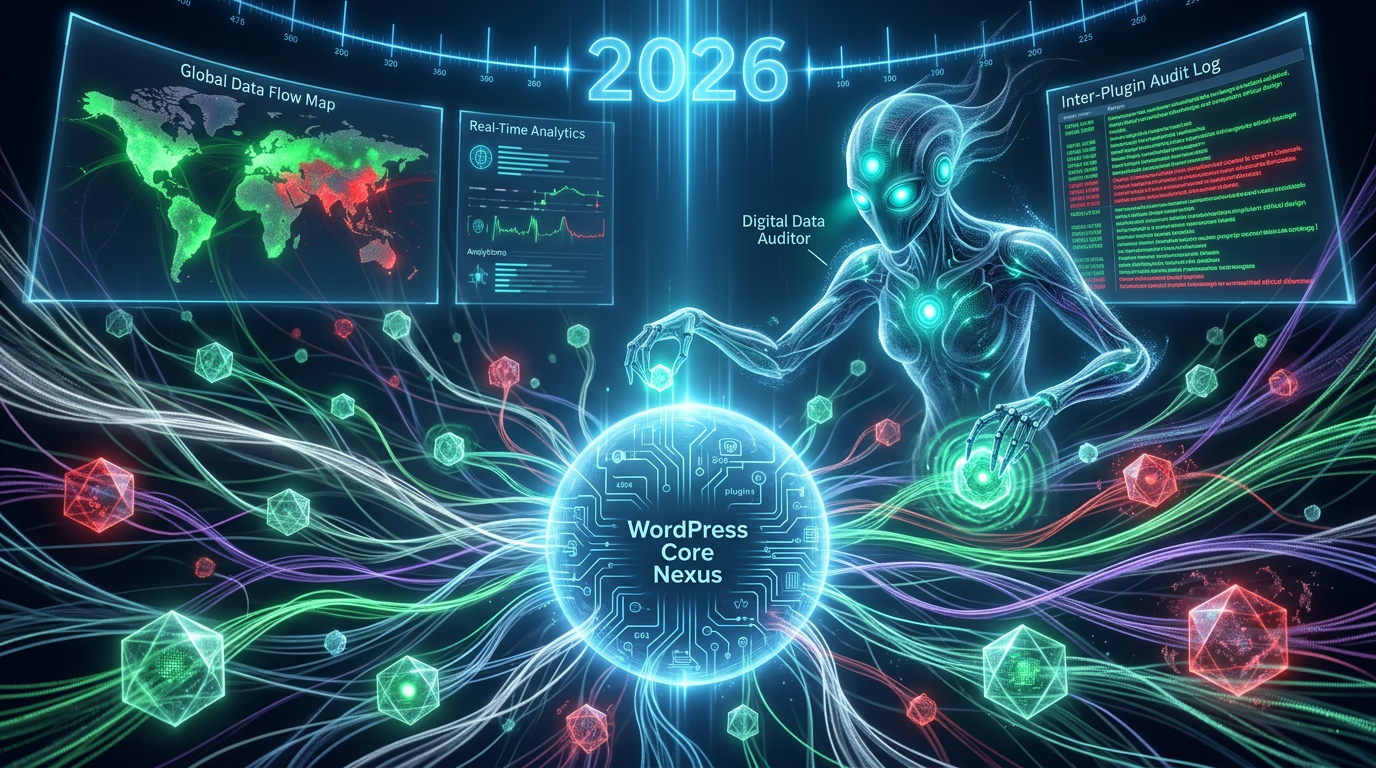
Auditing WordPress Inter-Plugin Communication for Security in 2026
In the dynamic ecosystem of WordPress, plugins are the lifeblood, extending functionality from simple contact forms to complex e-commerce solutions. However, beneath the surface of seemingly isolated functionalities lies a complex web of interactions – often referred to as WordPress inter-plugin communication. This intricate dance between plugins, while essential for many advanced features, also presents significant security and performance challenges that demand a closer look, especially as we navigate the digital landscape of 2026. Understanding how plugins communicate and how to audit these interactions is crucial for maintaining a robust, secure, and high-performing WordPress website.
Understanding WordPress Inter-Plugin Communication Mechanisms
WordPress inter-plugin communication is the process by which different plugins exchange data or trigger actions in one another. This is rarely a direct plugin-to-plugin call; instead, it often leverages WordPress's core architecture. Developers design plugins to be modular, but advanced features frequently require collaboration.
Ignoring this communication can lead to significant blind spots in site management. As the WordPress core evolves, so do the ways plugins interact, making regular analysis vital for site integrity in 2026 and beyond.
Common Communication Methods
Plugins primarily communicate through WordPress's action and filter hook system. Actions allow plugins to execute code at specific points in the WordPress lifecycle or in response to events triggered by other plugins. Filters, on the other hand, allow plugins to modify data before it's used or displayed. Another method involves direct database interactions, where one plugin might read or write data to another plugin's custom tables. Less common but still possible are direct function calls if one plugin explicitly exposes global functions or classes. For a deeper dive into WordPress's hook system, refer to the official WordPress Developer Resources.
- Actions: Trigger specific functions when an event occurs (e.g., `do_action('my_custom_event')`).
- Filters: Modify data before it's returned or displayed (e.g., `apply_filters('my_custom_data', $data)`).
- Database Interactions: Reading/writing to another plugin's database tables directly.
- Global Functions/Classes: Direct calls to publicly exposed elements.
Why Inter-Plugin Communication Matters
The ability of plugins to communicate enables powerful integrations. Think of an e-commerce plugin integrating with a payment gateway plugin, or a caching plugin interacting with a security plugin to clear caches after a threat is neutralized. This collaborative potential is a core strength of WordPress. However, it also introduces layers of complexity, where a vulnerability in one plugin could potentially be exploited through its interaction with another.

The Hidden Risks of Uncontrolled WordPress Inter-Plugin Communication
While beneficial, unregulated WordPress inter-plugin communication poses substantial risks. In 2026, with an increasing emphasis on data privacy and robust security, these risks cannot be overlooked. They range from subtle performance degradation to severe security breaches, impacting user trust and regulatory compliance.
Security Blindsides and Data Exposure
One of the most critical risks is the potential for security vulnerabilities. If a plugin with weak input sanitization or insufficient access controls communicates with another, it can create a vector for attacks. Malicious code injected into one plugin might then be executed by another, leading to common web vulnerabilities like cross-site scripting (XSS), SQL injection, or even remote code execution (RCE). Furthermore, sensitive user data, initially handled by one plugin, might be inadvertently exposed or improperly transmitted to another plugin without adequate security measures, violating data protection regulations like GDPR or CCPA.
Outdated code in one communicating plugin can compromise the entire chain. Security audits must account for these interconnected dependencies. This is why understanding the flow of data during WordPress inter-plugin communication is paramount.
Performance Overheads and Compatibility Issues
Beyond security, uncontrolled inter-plugin communication can severely impact website performance. Each interaction adds processing overhead. If multiple plugins are constantly triggering actions or applying filters, especially with complex operations, it can lead to slower page load times and increased server resource consumption. This directly affects user experience and SEO rankings. Compatibility issues also frequently arise when plugins expect different data formats or execution contexts from their communicating partners. Updates to one plugin might break the expected communication pattern, causing unexpected errors or complete site malfunctions. Regular compatibility testing, especially with major WordPress updates in 2026, is essential.
Auditing WordPress Inter-Plugin Communication for Security Vulnerabilities in 2026
To mitigate the risks associated with WordPress inter-plugin communication, comprehensive auditing is indispensable. This process involves scrutinizing plugin code, configuration, and runtime behavior to identify potential security flaws, unauthorized data exchange, and performance bottlenecks. Given the evolving threat landscape, auditing practices must be current and thorough for 2026.
Manual Code Review Techniques
Manual code review is the gold standard for identifying nuanced vulnerabilities. Developers and security experts can examine plugin source code for common anti-patterns:
- Insufficient Sanitization/Validation: Look for instances where input from other plugins or user-submitted data is not properly cleaned before use.
- Improper Nonce Usage: Check if nonce verification is consistently applied to actions that modify data.
- Unsafe Data Transfer: Analyze how data is passed between hooks and if sensitive information is exposed without encryption or proper escaping.
- Excessive Permissions: Ensure plugins only request and utilize the minimum necessary capabilities for their stated functionality.
- Third-Party Dependency Check: Review any libraries or external APIs used by plugins, as these can introduce their own vulnerabilities.
This deep dive helps uncover hidden pathways of WordPress inter-plugin communication that might be exploited.
Automated Scanning Tools
While manual review is thorough, it's time-consuming. Automated scanning tools can significantly aid the auditing process by quickly identifying known vulnerabilities, outdated code, and suspicious patterns. Tools like WPScan, PHP_CodeSniffer with WordPress-specific sniffs, and static analysis tools can flag potential issues. Dynamic analysis tools, which monitor plugin behavior during runtime, can also help detect unusual data transfers or excessive resource usage. Combining automated scans with targeted manual reviews offers the most effective auditing strategy for WordPress sites in 2026.
Best Practices for Managing Plugin Interactions and Enhancing WordPress Inter-Plugin Communication Security
Proactive management of plugin interactions is key to a secure and efficient WordPress site. By following established best practices, site administrators can significantly reduce the risks posed by complex plugin ecosystems, ensuring robust WordPress inter-plugin communication.
- Choose Reputable Plugins: Stick to plugins from the official WordPress plugin directory or well-known developers with strong security track records.
- Minimize Plugin Count: Install only essential plugins. Fewer plugins mean fewer potential interaction points and a reduced attack surface.
- Keep Plugins Updated: Regularly update all plugins, themes, and WordPress core. Updates often include critical security patches.
- Regular Security Audits: Conduct periodic security audits, including code reviews and vulnerability scans, especially for plugins handling sensitive data or facilitating extensive inter-plugin communication.
- Implement a Staging Environment: Test all new plugins, updates, and configurations in a staging environment before deploying to live to catch compatibility or performance issues early.
- Use a Web Application Firewall (WAF): A WAF can provide an additional layer of defense by filtering malicious traffic before it reaches your WordPress installation.
- Backup Regularly: Maintain frequent, reliable backups of your entire WordPress site, including the database and all files.
Future Trends in WordPress Inter-Plugin Communication Security & Interoperability
As WordPress continues to evolve, so too will the landscape of plugin security and interoperability. We can anticipate several key trends impacting WordPress inter-plugin communication in the coming years. In 2026, there's a growing emphasis on tighter security standards and more transparent data handling.
One major trend is the increased adoption of standardized APIs and clearer guidelines for plugin development, aiming to reduce rogue or insecure communication pathways. The push towards object-oriented programming and stricter namespaces within WordPress development might also lead to more predictable and secure interactions. Furthermore, advanced AI-driven security tools are likely to become more prevalent, offering proactive detection of unusual inter-plugin communication patterns that could indicate a threat. As headless WordPress architectures gain traction, the interaction model might shift, with implications for how plugins communicate within the traditional monolith and with external services. This continued evolution demands constant vigilance and adaptation from site administrators and developers alike.
Frequently Asked Questions

Written by Aras Akıncılar
Uzun yıllara dayanan WordPress deneyimine sahip bir siber güvenlik uzmanı olarak, eklenti ekosisteminin derinlemesine analizine odaklanıyorum. Güvenlik açıkları, performans düşüşleri ve uyumluluk sorunları üzerine hazırladığım makalelerle, WordPress kullanıcılarının sitelerini daha güvenli ve verimli hale getirmelerine yardımcı olmayı hedefliyorum.


