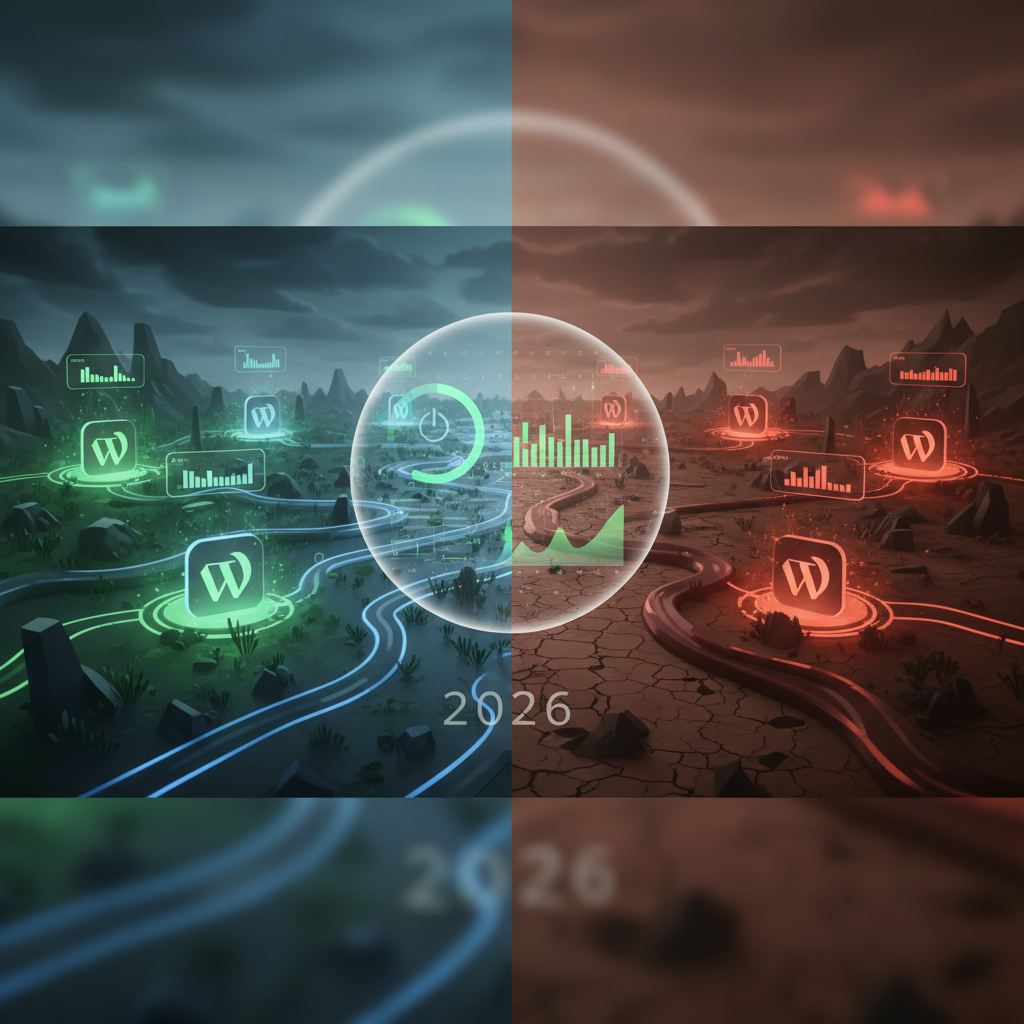
The Silent Orchestrators: Managing the WordPress Plugin Environmental Impact in 2026
In 2026, as digital landscapes continue to expand, the discussion around sustainability reaches every corner of technology, including web development. One often-overlooked aspect is the WordPress plugin environmental impact. While individual plugins might seem insignificant, their collective resource consumption – from server processing power to data transfer – contributes to a larger ecological footprint. Understanding and mitigating this impact is crucial for building more sustainable websites.
Understanding the WordPress Plugin Environmental Impact
Every line of code executed, every database query performed, and every byte of data transferred by a WordPress plugin requires energy. This energy demand directly translates into a carbon footprint, albeit an indirect one. As websites grow more complex and rely on numerous plugins, this impact escalates.
Factors contributing to a plugin's environmental impact include:
- Inefficient code that consumes excessive CPU cycles.
- Frequent database interactions, leading to increased server load.
- Large file sizes or external script dependencies, increasing bandwidth usage.
- Poor caching mechanisms, resulting in repeated resource requests.
Ignoring these factors can lead not only to higher energy consumption but also to slower website performance and increased hosting costs. Therefore, assessing the WordPress plugin environmental impact is a multi-faceted approach.
How Inefficient Code Increases Energy Consumption
Clunky or poorly optimized code in plugins can be a significant drain on server resources. This includes complex algorithms that could be simplified, redundant operations, or loops that process unnecessary data. Each millisecond of extra processing time adds up across millions of website requests, leading to a substantial increase in server electricity usage. This can often manifest as CPU hogs and memory leaks in WordPress plugins, silently impacting performance and energy consumption.
Developers are increasingly aware of this, with a growing trend towards writing leaner, more efficient code for WordPress plugins. Tools for code analysis and profiling are becoming standard practice to identify and rectify inefficiencies before a plugin is released.
The Role of Data Transfer and File Sizes
Plugins often include various assets like JavaScript files, CSS stylesheets, images, and fonts. If these assets are large, unoptimized, or loaded unnecessarily, they increase the amount of data transferred over networks. This data transfer consumes energy at data centers and during transmission. Optimizing these assets is a key step in reducing the overall WordPress plugin environmental impact.
Lazy loading, image compression, and deferring non-critical scripts are techniques that can be implemented at the theme or plugin level to mitigate this. Website owners should actively seek plugins that prioritize these optimizations. Furthermore, leveraging edge computing for ultra-fast WordPress plugins in 2026 can significantly reduce latency and data transfer needs, thus lessening environmental impact.
Evaluating Performance and Resource Consumption in 2026
In 2026, evaluating a plugin's true cost goes beyond its monetary price. Its resource consumption and potential performance bottlenecks are critical metrics. A plugin might offer fantastic features, but if it bogs down your site and demands excessive server power, its environmental and operational costs become significant.
When selecting plugins, consider:
- Code Quality: Look for plugins from reputable developers with good reviews regarding performance.
- Features vs. Bloat: Does the plugin offer only what you need, or does it include many unused features that still load resources?
- Updates: Regularly updated plugins are more likely to stay optimized and secure.
- Reporting Tools: Utilize WordPress performance monitoring plugins to identify resource hogs.
These considerations are vital for minimizing your website's carbon footprint and maintaining a responsive user experience. Neglecting this crucial step can significantly inflate the WordPress plugin environmental impact of your site.
Tools for Performance Analysis
Several tools can assist in evaluating plugin performance. Google PageSpeed Insights, GTmetrix, and WebPageTest provide valuable insights into page load times, request counts, and asset sizes. On the server side, tools like New Relic or specific monitoring features provided by hosting providers can pinpoint plugins causing high CPU or memory usage. Using these tools regularly is a best practice in 2026 for proactive website management. These tools are crucial for future-proofing your WordPress through essential plugin auditing strategies.
Security Vulnerabilities and Their Environmental Cost
Security flaws in plugins don't just pose a risk to data; they can also indirectly increase environmental impact. Vulnerable plugins can be exploited to launch denial-of-service attacks, host malicious content, or send spam. These illicit activities require significant server resources and network bandwidth, contributing to an increased carbon footprint. Keeping plugins updated is paramount not only for security but also for environmental responsibility. Understanding WordPress plugin vulnerabilities and protection is fundamental to reducing this environmental cost.
Mitigating Risks: Outdated Code and Third-Party Dependencies
One of the persistent challenges in the WordPress ecosystem is managing outdated code and the complex web of third-party dependencies within plugins. Both can significantly affect performance, security, and contribute to a higher WordPress plugin environmental impact.
The Dangers of Outdated Plugin Code
Plugins with outdated code can contain inefficiencies that modern PHP versions or database systems have optimized away. They might also rely on deprecated functions, leading to errors and increased processing. Furthermore, security vulnerabilities are frequently found and patched in updated versions. Running outdated plugins leaves your site exposed to these issues, which, as discussed, can have environmental consequences through compromised systems and increased resource usage. This highlights the importance of understanding the Phoenix Effect: reviving core WordPress functionality with strategic plugin replacement when dealing with problematic legacy code.
Regularly reviewing and updating all installed plugins to their latest versions is a non-negotiable best practice in 2026. This not only bolsters security but also ensures you benefit from performance enhancements and bug fixes that often translate to lower resource consumption.
Understanding Third-Party Dependencies and Environmental Impact
Many WordPress plugins rely on external libraries, APIs, or services. While these dependencies can extend functionality, they also introduce additional points of failure, potential security risks, and an increased resource footprint. Each external call or loaded library adds to the total data transfer and processing required for a page to load. The more unoptimized external resources a plugin pulls in, the higher its WordPress plugin environmental impact.
Website owners should scrutinize plugins that make extensive use of third-party services. Opt for plugins that minimize external calls or provide options to load these resources conditionally. Implementing a Content Delivery Network (CDN) can also help optimize the delivery of external assets, reducing the load on your primary server. For a deeper dive into these complexities, a valuable external resource outlining managing WordPress plugin dependencies can offer further insights.
Best Practices for a Lower WordPress Plugin Environmental Impact
Achieving a sustainable website in 2026 requires conscious choices and proactive management of your WordPress plugins. By adopting best practices, you can significantly reduce your website's environmental footprint without compromising functionality or user experience.
- Choose Wisely: Before installing a plugin, thoroughly research its reputation for performance and code quality. Read reviews and check the developer's update history.
- Fewer is Better: Every plugin adds overhead. Consolidate functionalities where possible or use a single, comprehensive plugin instead of multiple smaller ones if it doesn't introduce unnecessary bloat. This can help prevent plugin overlap and redundancy, a common source of inefficiency.
- Keep Updated: Regularly update all plugins, themes, and WordPress core. Updates often include performance improvements and security patches that contribute to a more efficient and secure site, directly impacting the environmental footprint.
- Monitor Performance: Use performance monitoring tools to identify resource-intensive plugins. Don't hesitate to replace or remove problematic ones.
- Optimize Assets: Ensure images, scripts, and stylesheets loaded by plugins are optimized (compressed, minified, lazy-loaded) to reduce data transfer.
- Efficient Hosting: Opt for green hosting providers that use renewable energy sources and employ efficient server technologies. While this doesn't directly reduce plugin resource usage, it ensures the energy consumed is ethically sourced. A great resource for finding such providers is The Green Web Foundation.
- Minimalist Design: Encourage the use of themes and plugins that prioritize efficiency and clean code over excessive visual effects or features that add unnecessary weight.
The Future of Green Web Development
As concerns about climate change grow, the web development community is increasingly focusing on "green web development." This movement emphasizes creating websites that are fast, efficient, and consume fewer resources. The WordPress plugin environmental impact is a core component of this discussion. Developers are being encouraged to build plugins with efficiency in mind from the outset, and users are becoming more educated about the choices they make. For more general guidelines on how to make your website more green, refer to resources like Sustainable Web Design Strategies.
Expect to see more tools and standards emerge in 2026 that help evaluate and report on the environmental friendliness of WordPress plugins, empowering users to make more sustainable choices.
By consciously managing the plugins we install and maintain, we can collectively make a significant difference in reducing the overall digital carbon footprint. The goal is to create a web that is as sustainable as it is functional, and minimizing the WordPress plugin environmental impact is a crucial step in that direction.
Frequently Asked Questions

Written by Aras Akıncılar
Uzun yıllara dayanan WordPress deneyimine sahip bir siber güvenlik uzmanı olarak, eklenti ekosisteminin derinlemesine analizine odaklanıyorum. Güvenlik açıkları, performans düşüşleri ve uyumluluk sorunları üzerine hazırladığım makalelerle, WordPress kullanıcılarının sitelerini daha güvenli ve verimli hale getirmelerine yardımcı olmayı hedefliyorum.


