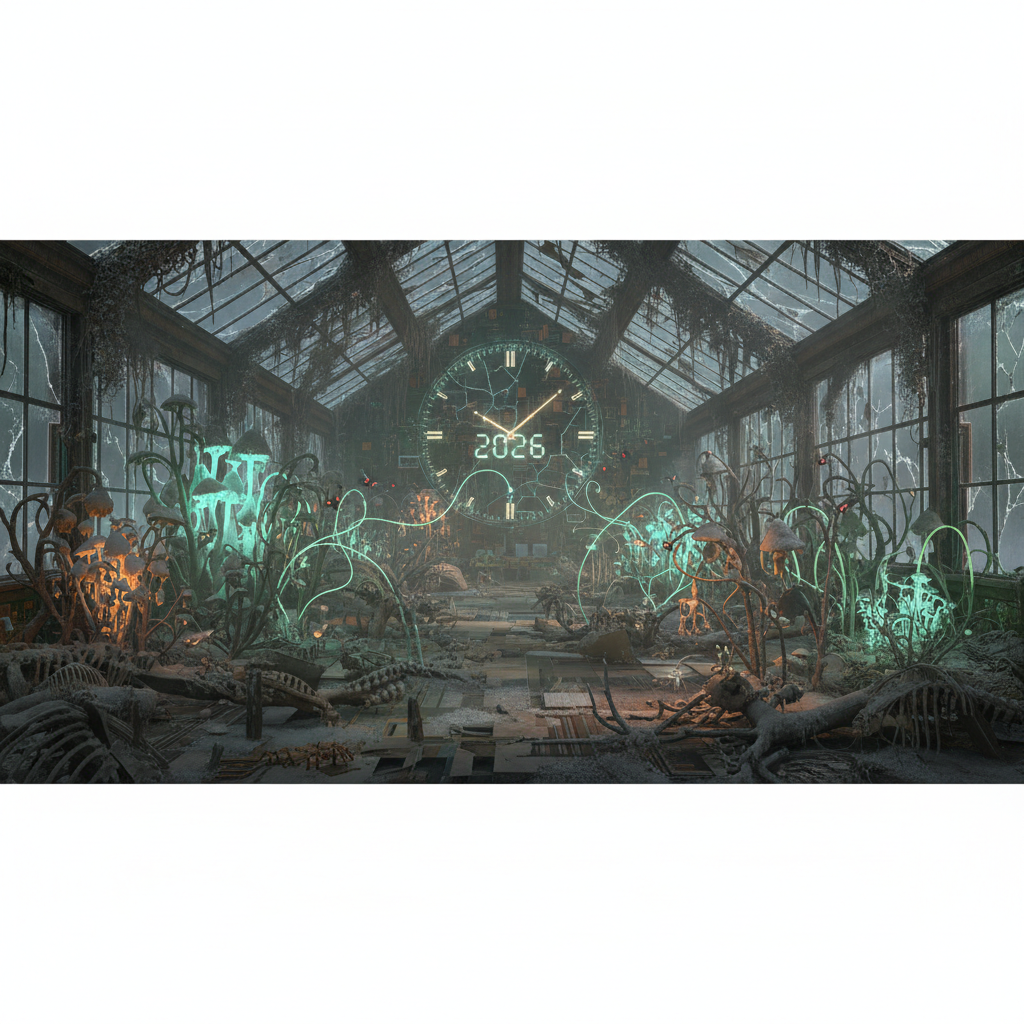
The Silent Lifecycles: Deconstructing the WordPress Plugin Lifecycle Maintenance & Obsolescence in 2026
Understanding the WordPress plugin lifecycle is paramount for anyone managing a WordPress website in 2026. From initial development to eventual obsolescence, each stage presents unique challenges and opportunities for site owners and developers alike. This comprehensive guide will explore the critical phases of a plugin's journey, focusing on maintenance, potential risks, and the best practices for ensuring your website remains secure, stable, and high-performing in an ever-evolving digital landscape, all within the context of the WordPress plugin lifecycle.
Understanding the Stages of the WordPress Plugin Lifecycle
The journey of a WordPress plugin is far from static. It moves through distinct stages, each requiring a different level of attention and management. Recognizing these stages is the first step towards proactive plugin management.
Inception and Development
Every plugin begins as an idea, evolving into code. During this phase, developers establish the plugin's core functionality, architecture, and initial security measures. Proper coding standards and early security reviews are crucial to lay a strong foundation for the entire WordPress plugin lifecycle.
This early stage often involves meticulous planning to ensure the plugin addresses a specific user need and integrates seamlessly with the WordPress core. Attention to detail here significantly reduces issues later on. Learn more about outsourcing plugin development for optimized results.
Active Maintenance and Updates
Once a plugin is released, active maintenance becomes critical. This involves regularly updating the plugin to fix bugs, introduce new features, and, most importantly, address security vulnerabilities. In 2026, the pace of these updates is faster than ever due to emerging threats and WordPress core updates, directly impacting the WordPress plugin lifecycle.
- Security Patches: Promptly addressing discovered vulnerabilities.
- Bug Fixes: Resolving errors reported by users or discovered through testing.
- Feature Enhancements: Adding new functionalities to keep the plugin competitive and relevant.
- Compatibility Updates: Ensuring the plugin works with the latest WordPress versions, themes, and other popular plugins.
Neglecting this stage is a common pitfall that can transform a valuable plugin into a security risk or performance bottleneck. For more on handling these crucial updates, refer to The Silent Language of Updates: How WordPress Plugin Versioning & Deprecation Strategies Impact Your Site in 2026.
The Perils of Neglect: Risks in the WordPress Plugin Lifecycle
Throughout its lifespan, a WordPress plugin can introduce various risks if not managed properly. These threats can significantly impact website security, performance, and overall stability. Understanding these risks is vital for a healthy WordPress plugin lifecycle.
Security Vulnerabilities
One of the most pressing concerns within the WordPress plugin supply chain lifecycle is security. Outdated code, insecure configurations, and excessive permissions are common pathways for attackers. In 2026, sophisticated phishing attacks and automated bots constantly scan for such weaknesses.
An easily exploitable plugin can grant unauthorized access, leading to data breaches, website defacement, or malware injection. Regular cryptographic security audits and staying informed about known vulnerabilities are essential preventative measures. Read more about unmasking time-based vulnerabilities in WordPress plugins.
Performance Degradation
Plugins, especially poorly coded or resource-heavy ones, can significantly slow down a website. This impacts user experience, SEO rankings, and conversion rates. Common performance issues include:
- Excessive database queries.
- Unoptimized code leading to high CPU usage.
- Large CSS and JavaScript files that increase page load times.
- Conflicting scripts with other plugins or the theme.
Monitoring website performance regularly and using performance profiling tools can help identify and mitigate these issues, extending the effective WordPress plugin lifecycle. Discover how to tackle CPU hogs and memory leaks in WordPress plugins.
Compatibility Issues
As WordPress core evolves and new themes and plugins emerge, compatibility becomes a constant challenge. An incompatibility can lead to broken functionalities, display errors, or even a completely "white screen of death."
Before updating WordPress or installing new plugins, always test in a staging environment. This allows you to catch and resolve conflicts without affecting your live site visitors.
Signs of Obsolescence and End-of-Life in the WordPress Plugin Lifecycle
Even the best plugins eventually reach the end of their active development. Recognizing the signs of obsolescence is crucial to avoid running an insecure or non-functional website, and to manage the WordPress plugin lifecycle effectively.
Lack of Updates and Support
A primary indicator that a plugin is nearing its end-of-life is a discernible lack of updates. If a plugin hasn't been updated in over a year, especially considering the rapid changes in WordPress, it's a red flag. Similarly, an unresponsive support forum or no clear communication from the developer signals trouble.
Outdated plugins are prime targets for hackers and often become incompatible with newer WordPress versions, leading to instability. The WordPress Codex provides excellent guidance on maintaining a secure WordPress installation.
Deprecation of Features
Sometimes, a plugin's core functionality relies on external APIs or services that become deprecated. If the plugin developer fails to adapt, the plugin's utility diminishes, making it obsolete. This is common with plugins integrating with social media platforms or payment gateways that frequently update their APIs.
Keep an eye on the technologies your plugins depend on; changes there can signal impending obsolescence for the plugin itself. For broader web development trends, check out W3C Standards.
Security Vulnerability Stagnation
When security vulnerabilities are discovered for an outdated plugin and no patches are released, it becomes a severe liability. Continuing to use such a plugin is akin to leaving your website's front door wide open.
Best Practices for Managing the WordPress Plugin Lifecycle in 2026
Proactive management is key to navigating the complex world of WordPress plugins. Adhering to best practices can significantly enhance your website's security, performance, and longevity throughout the WordPress plugin lifecycle.
- Choose Reputable Plugins: Opt for plugins from trusted developers with good reviews, a solid update history, and active support. Check the "Last Updated" date on the WordPress plugin repository.
- Regular Backups: Always have a robust backup strategy in place. Before any major updates (WordPress core, themes, or plugins), perform a full backup.
- Staging Environments: Utilize a staging site for testing all plugin updates and new installations. This prevents breaking your live site and allows for safe experimentation.
- Minimize Plugin Count: Every plugin adds overhead. Scrutinize your plugin list and remove any that are redundant, unused, or can be replaced by theme functionality or custom code. Consider addressing plugin overlap and redundancy.
- Stay Informed: Subscribe to security blogs, newsletters, and WordPress news sites to stay aware of emerging threats and critical updates within the WordPress plugin lifecycle.
- Monitor Performance: Use tools like Google PageSpeed Insights, GTmetrix, or Pingdom to regularly monitor your website's performance. Identify and address any performance bottlenecks caused by plugins. For more information on performance, refer to The Silent Conductors: Unraveling How WordPress Plugins Shape Server-Side Caching in 2026.
- Scheduled Audits: Periodically audit your installed plugins. Evaluate their necessity, update status, and potential security risks. Remove or replace plugins showing signs of obsolescence or posing security threats. This also includes auditing for excessive permissions in WordPress plugins.
By diligently following these guidelines, you can ensure your WordPress website remains a safe, efficient, and reliable platform for your users throughout 2026 and beyond, effectively managing the entire WordPress plugin lifecycle.
Frequently Asked Questions

Written by Aras Akıncılar
Uzun yıllara dayanan WordPress deneyimine sahip bir siber güvenlik uzmanı olarak, eklenti ekosisteminin derinlemesine analizine odaklanıyorum. Güvenlik açıkları, performans düşüşleri ve uyumluluk sorunları üzerine hazırladığım makalelerle, WordPress kullanıcılarının sitelerini daha güvenli ve verimli hale getirmelerine yardımcı olmayı hedefliyorum.


